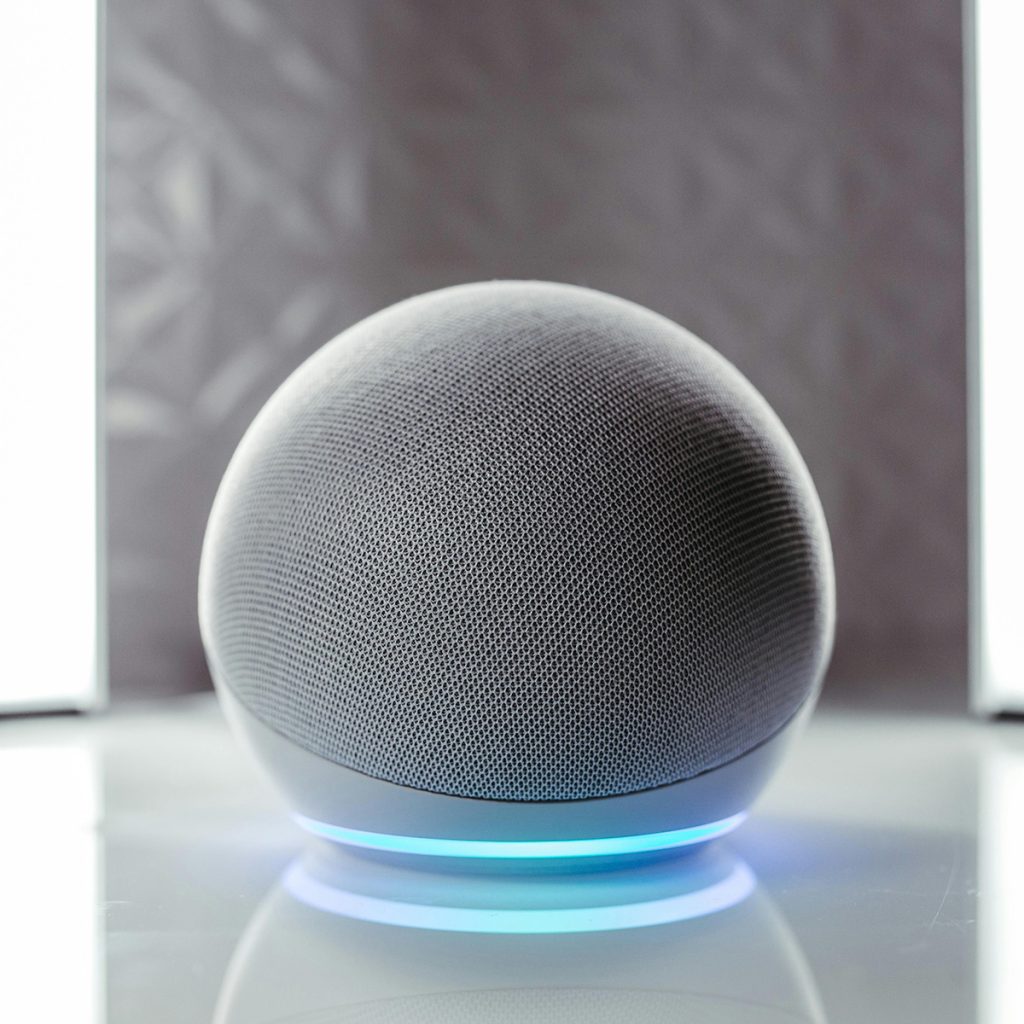
Technology should serve us, not frustrate us. In my clinical experience, the Amazon Echo Show is the single most transformative device for seniors aging at ease. Whether it’s reminding a patient to take their blood pressure medication or allowing a daughter to “Drop In” and see if her father is okay, Alexa fills the gaps that human caregiving sometimes can’t reach.
With the new Alexa Plus AI update, setting up the device has become even more intuitive. Here is my foolproof guide to getting your loved one connected.
Step 1: Choosing the Right Device
For seniors, I almost always recommend the Echo Show 8 (4th Gen).
-
Why? It has a screen large enough for video calls, but small enough to fit on a nightstand. The new model features “Auto-Framing,” which keeps the senior in the center of the video call even if they move around the room.
Step 2: The Physical Setup
-
Placement is Key: Place the device where the senior spends most of their time (usually the kitchen or next to their favorite chair). Ensure it’s near an outlet and has a strong Wi-Fi signal.
-
Plug it in: Once plugged in, the screen will light up. Follow the on-screen prompts to connect to Wi-Fi. PT Tip: Have the Wi-Fi password written down in large print before you start!
Step 3: Enabling “Alexa Plus” for Natural Conversation
In the Alexa App on your smartphone:
-
Go to Settings > Alexa Plus.
-
Enable “Natural Conversation” mode.
-
Why? This allows the senior to speak naturally. Instead of saying “Alexa, set a timer for 10 minutes,” they can simply say, “Alexa, I’m putting the tea on, let me know when it’s ready.” The AI now understands context much better.
Step 4: Setting Up the “Circle of Support”
This is the most critical safety feature.
-
In the app, go to Communicate > Contacts.
-
Add yourself and other close family members.
-
Enable “Drop In”: This allows designated family members to instantly connect via video call in an emergency. It’s like a digital window into the home.
Step 5: Essential Senior Routines
As a Physical Therapist, I recommend setting up these three routines immediately:
-
Medication Reminders: “Alexa, remind me to take my blue pill every morning at 9 AM.”
-
Hydration Prompts: If your loved one forgets to drink water, set a gentle reminder every 3 hours.
-
Morning Briefing: Configure Alexa to read the weather, news, and the day’s calendar when the senior says, “Good morning.”
3 Pro-Tips for a Senior-Friendly Experience:
-
Turn on “Adaptive Listening”: In the settings, you can give Alexa more time to finish listening. This is vital for seniors with slower speech or those who need a moment to find their words.
-
Use “Show and Tell”: If the senior has low vision, they can hold a grocery item in front of the Echo Show camera and ask, “Alexa, what am I holding?” It will identify the product and read the name aloud.
-
The “Call for Help” Command: If you subscribe to Alexa Emergency Assist, the senior can simply yell, “Alexa, call for help!” to be connected to a 24/7 urgent response team—even if they’ve fallen and can’t reach their phone.
Stay Connected. Stay Safe. Aging at Ease.
Disclosure: As an Amazon Associate, I earn from qualifying purchases. This helps support our mission to provide expert safety advice to seniors and their families.
Read too: 5 Best Medical Alert Systems with Fall Detection (No Monthly Fee)