
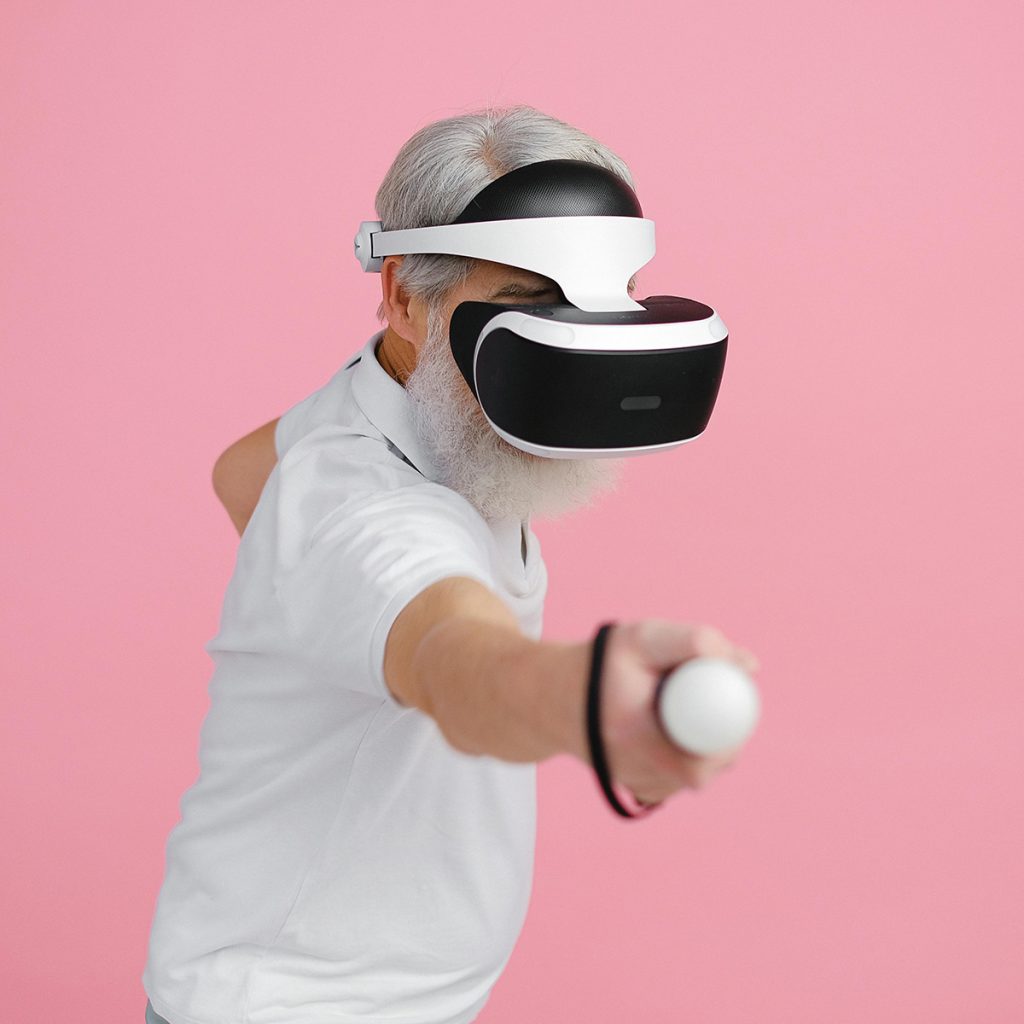
In my New York clinic, I often hear seniors say, “Joshua, I’m not a tech person.” But here’s the truth: technology has finally caught up with the needs of seniors. We no longer have to struggle with tiny buttons or confusing menus.
The best tech gifts are those that offer “Passive Protection” and “Simple Connection.” They should work in the background to keep you safe and keep you in touch with your family without requiring a PhD in computer science.
As a Physical Therapist, I’ve vetted these gadgets for their “Frustration-Free” design. Here are my top 5 tech gift recommendations.
1. The Best for Connection: Amazon Echo Show 11 (with Auto-Framing)
Video calling is the best antidote to senior isolation, but holding a smartphone for 20 minutes can be tiring and shaky.
-
Why it’s a Great Gift: The screen automatically rotates to face you as you move around the room. You don’t have to touch anything—just say, “Alexa, call my daughter.”
-
PT Insight: For seniors with limited mobility, the “Drop-In” feature (which must be pre-approved) allows family to check in visually if an emergency is suspected and the senior can’t reach the device.
-
Ease of Use: 10/10. Once set up by a family member, it’s 100% voice-controlled.
2. The Best for Safety: Apple Watch SE (with Fall Detection)
While we’ve compared the Apple Watch to medical buttons before, the SE model remains the best “entry-level” tech gift for safety.
-
Why it’s a Great Gift: It’s lighter and simpler than the Ultra models. The “Fall Detection” is world-class. If it senses a hard fall, it taps you on the wrist and asks if you’re okay. If you don’t respond, it calls 911.
-
PT Insight: It also tracks “Walking Steadiness,” a 2026 feature that alerts you if your gait becomes uneven, which is a leading indicator of an upcoming fall.
-
Ease of Use: 8/10. Requires daily charging, which can be a hurdle for some.
3. The Best for Home Comfort: Nest Learning Thermostat
Struggling with tiny dials on an old thermostat is a common frustration for seniors with vision loss or arthritis.
-
Why it’s a Great Gift: It has a large, bright display that lights up when you walk into the room. After a few days, it “learns” your preferred temperatures and adjusts itself automatically.
-
PT Insight: Maintaining a consistent home temperature is vital for seniors with circulation issues. A home that is too cold can increase joint stiffness and pain.
-
Ease of Use: 9/10. It’s a “set it and forget it” device.
4. The Best for Memory: Pix-Star Digital Photo Frame
Most digital frames require you to plug in a thumb drive, which is too difficult for many. The Pix-Star is different.
-
Why it’s a Great Gift: Family members can email photos directly to the frame from anywhere in the world. New pictures of grandchildren just “pop up” automatically.
-
PT Insight: This is excellent for Reminiscence Therapy. Looking at family photos stimulates cognitive function and improves mood, especially for those in the early stages of memory loss.
-
Ease of Use: 10/10. The senior only has to enjoy the show.
5. The Best for Health: Withings Body Comp Smart Scale
Tracking weight is critical for managing heart health and fluid retention (edema), but reading a small scale display while standing can be a balance risk.
-
Why it’s a Great Gift: You just step on it. It automatically sends the data to your phone and even provides a “Vascular Age” assessment. The screen uses large, high-contrast numbers that are easy to see from a distance.
-
PT Insight: Sudden weight gain (3-5 lbs in a day) is often a sign of fluid buildup related to heart issues. Having this data automatically tracked makes doctor visits much more productive.
-
Ease of Use: 9/10. Just step on and off.
Joshua’s “Tech Setup” Rules:
If you are giving a tech gift to a senior, your job isn’t done at the wrapping paper. Follow these three rules:
-
The “Pre-Connect” Rule: Open the box, connect it to your Wi-Fi (if possible), and update the software before you give it.
-
The “One-Page” Manual: Write a 3-step instruction sheet in large, bold print and tape it near the device. (Example: 1. Say “Alexa.” 2. Wait for the blue light. 3. Say “Call Sarah.”)
-
The “Safety Check”: Ensure all cords are tucked away behind furniture. A “smart” gift shouldn’t become a “trip” hazard.
Embrace the Future. Aging at Ease.
Disclosure: As an Amazon Associate, I earn from qualifying purchases. This helps support our mission to provide expert safety advice to seniors and their families.
Read too: 10 Practical Birthday Gifts for Seniors Living Alone: A PT’s Safety-First Guide