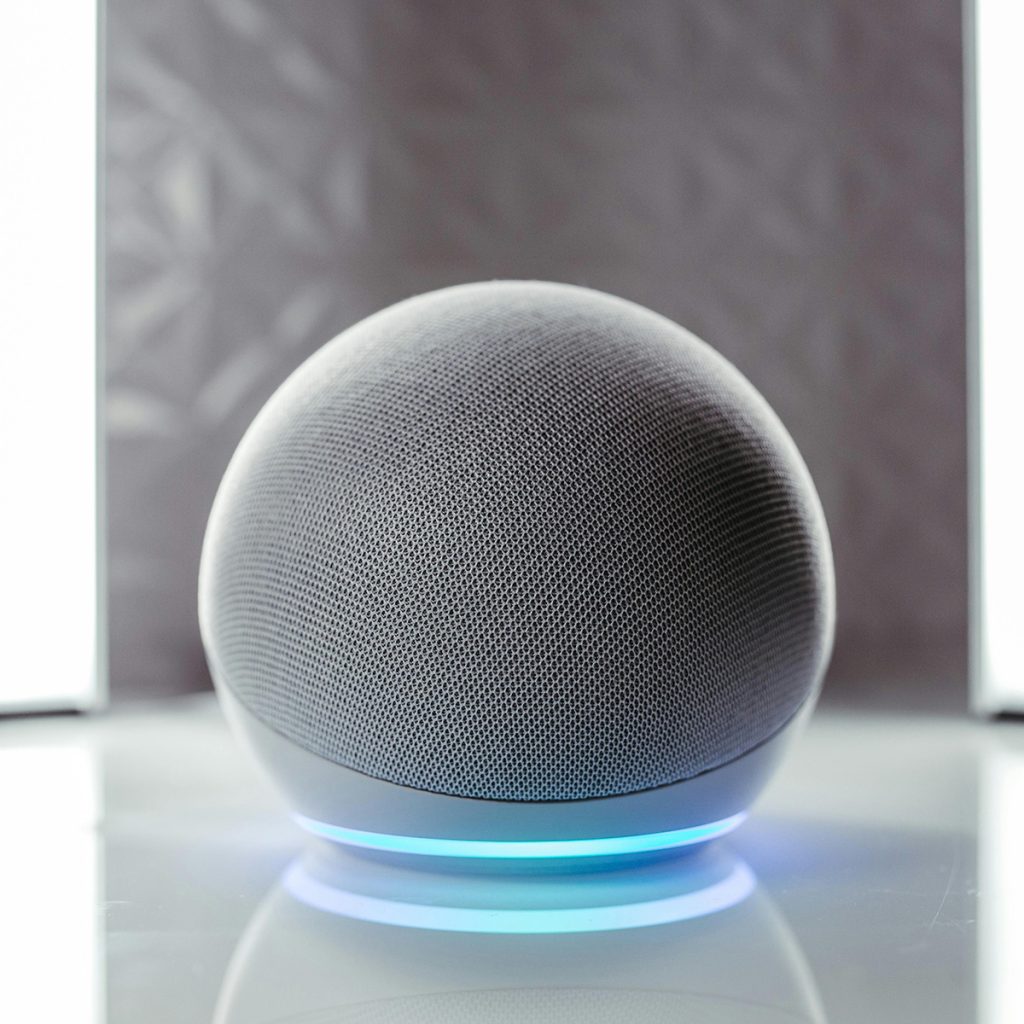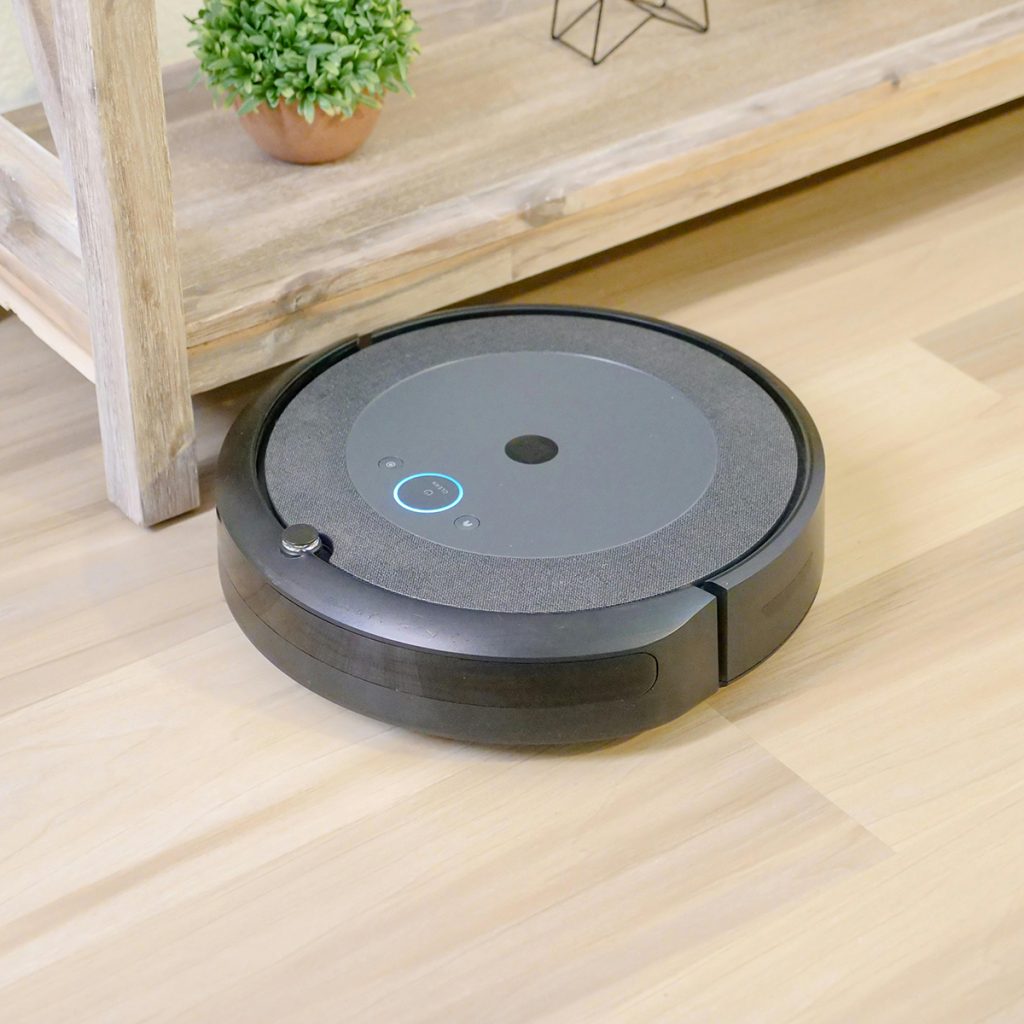
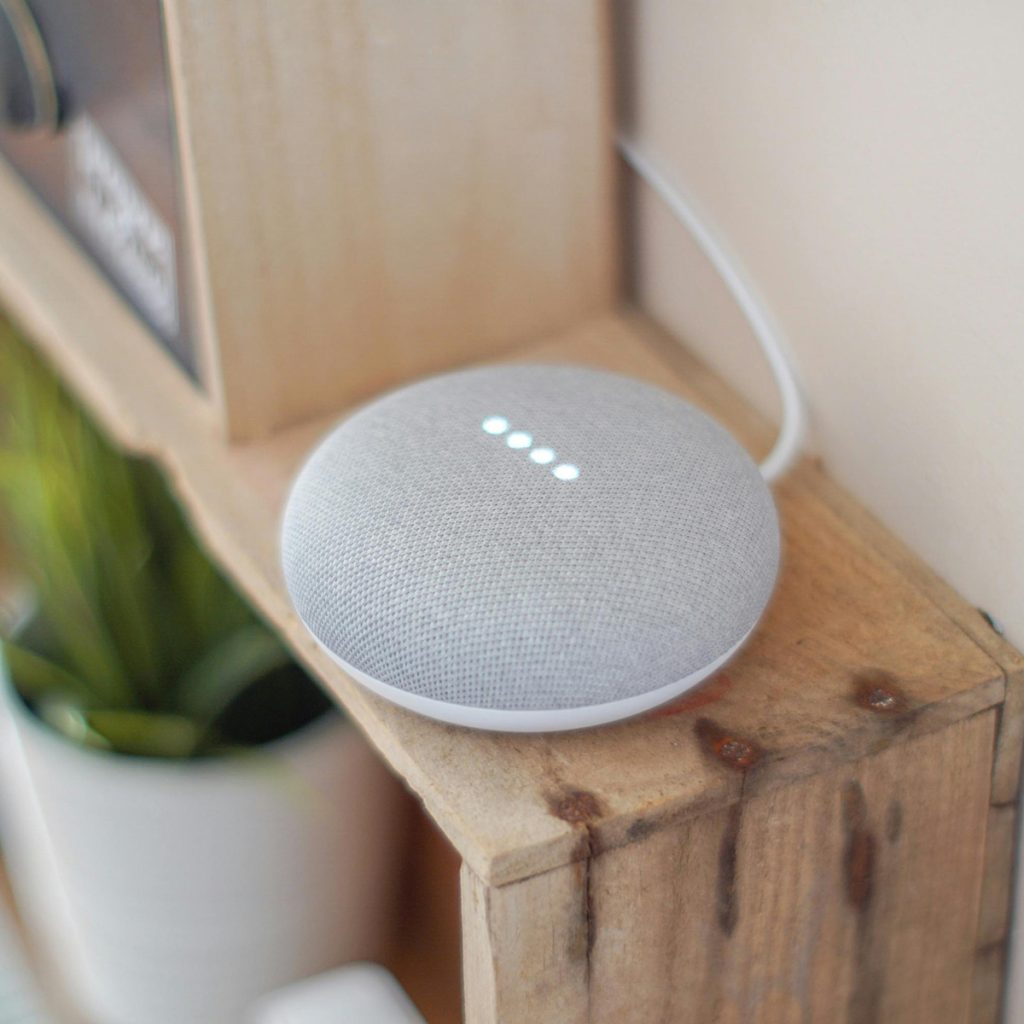
In my practice at Aging At Ease, I often talk about “Environmental Empowerment.” When a senior can turn on the lights, lock the front door, or call for help simply by speaking, their home becomes a safer, more manageable place.
Voice control isn’t just about playing music; it’s about reducing the need for constant standing and walking—activities that can be exhausting for someone with heart conditions or painful for those with arthritis. In 2026, voice assistants have evolved into true “Home Companions” that monitor safety and encourage independence.
1. The Best Hub for Visibility: Amazon Echo Show 15 (2nd Gen)
The Echo Show 15 looks like a framed picture on the wall, but it’s actually the brain of a smart home.
-
Why I Recommend It: Its massive 15-inch screen is perfect for seniors with low vision. You can set up “Sticky Notes” (reminders) for medications that stay visible all day. It also acts as a digital photo frame, keeping Dad or Mom connected to family photos.
-
The Voice Benefit: “Alexa, show me the front door” instantly displays the camera feed, so they don’t have to get up to see who’s knocking.
-
Best For: Seniors who want a visual center for their schedule and home security.
2. Best for Safety Monitoring: Google Nest Hub (3rd Gen)
Google has mastered the art of “passive monitoring,” which is vital for senior health.
-
Why I Recommend It: The 2026 Nest Hub uses Soli radar technology for Sleep Sensing. It tracks breathing patterns and restlessness without the senior having to wear a watch or a chest strap.
-
The Voice Benefit: It integrates perfectly with Google Search. If a senior is confused about a medication or a symptom, they can ask: “Hey Google, what are the side effects of my new prescription?”
-
Best For: Seniors who want to track their health metrics without wearing any gadgets.
3. Best for Lighting Control: Philips Hue Bridge & Smart Bulbs
Falling in the dark is the leading cause of emergency room visits in my clinic.
-
Why I Recommend It: Instead of fumbling for a switch in the middle of the night, a senior can simply say: “Alexa, turn on the hallway light.” You can also program them to turn on automatically at sunset.
-
The Voice Benefit: You can set “Scenes.” For example, “Alexa, Night Mode” can dim all lights and lock the smart locks simultaneously.
-
Best For: Fall prevention, especially during late-night trips to the bathroom.
4. Best for Security: Schlage Encode Plus Smart Wifi Deadbolt
Getting to the door quickly is a major fall risk for those with limited mobility.
-
Why I Recommend It: This lock works with Apple Home, Alexa, and Google. It allows the senior to lock or unlock the door from their bed or chair.
-
The Voice Benefit: “Siri, is the front door locked?” provides immediate peace of mind without having to walk to the door to check. It’s also a lifesaver for letting in caregivers or emergency services.
-
Best For: Seniors with mobility issues or those who often forget if they locked the door.
5. Best for Entertainment: Fire TV Cube (3rd Gen)
Remote controls are getting smaller and harder to use for arthritic fingers.
-
Why I Recommend It: The Fire TV Cube is the only streaming device that offers truly “hands-free” TV control. You don’t even need to hold a remote.
-
The Voice Benefit: “Alexa, play my favorite news channel” or “Alexa, turn up the volume” works across the room. It can also control other smart devices, making the TV the command center of the home.
-
Best For: Seniors with severe arthritis or vision loss who struggle with traditional remote controls.
Joshua’s PT Setup Tips for Voice Control:
-
Placement is Key: Place your smart speakers in the rooms where a fall is most likely to occur—the bathroom, kitchen, and bedroom. Ensure the microphone can hear a voice from floor level.
-
Use “Routines”: Set up a “Good Morning” routine. With one command, the house can turn on the lights, read the weather, and remind the senior to take their [Resistance Band] for their morning exercises.
-
Privacy Settings: Many seniors are wary of “listening” devices. Take the time to show them how the physical “Mute” button works. Knowing they have control over their privacy makes them more likely to use the technology.
Speak to Your Home. Age at Ease.
Disclosure: As an Amazon Associate, I earn from qualifying purchases of smart home technology. This helps support our mission at Aging At Ease to provide expert advice for independent living.