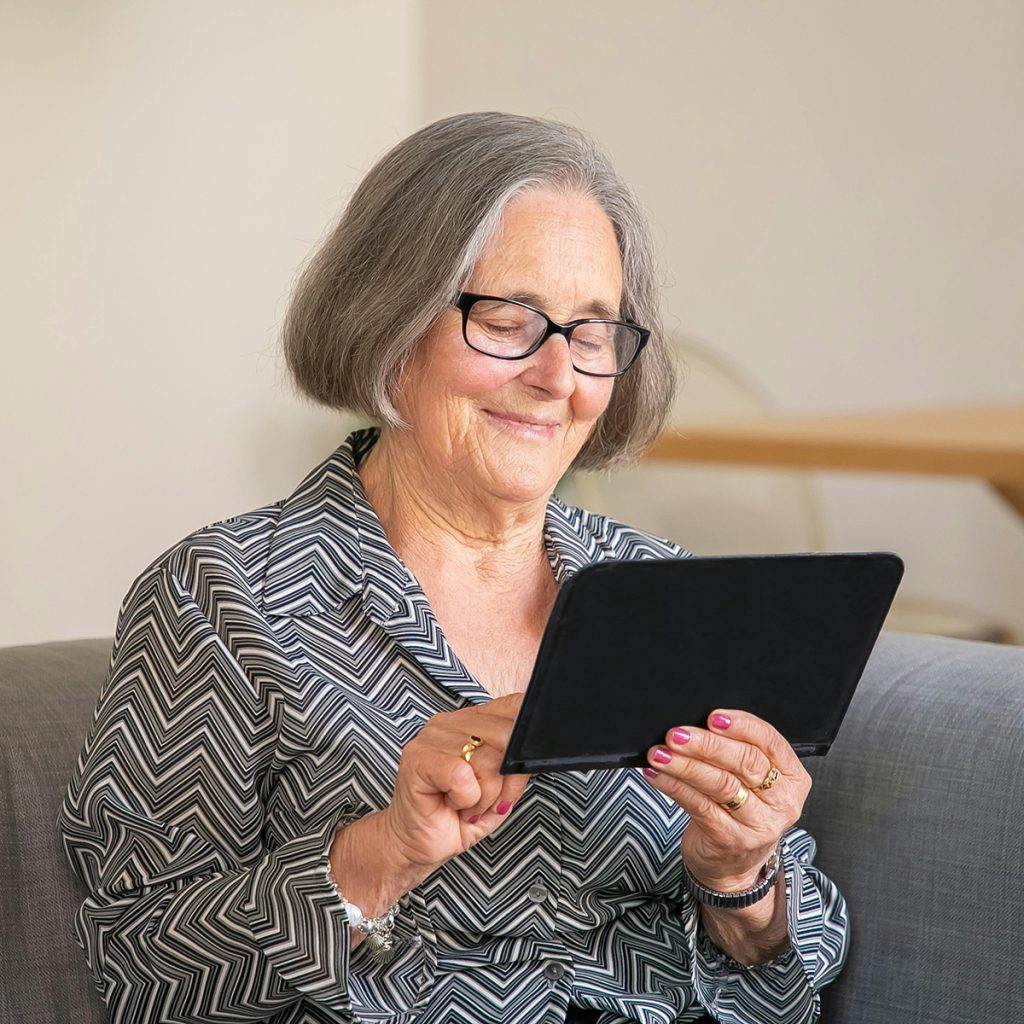
As a physical therapist, I don’t just evaluate how my patients move; I evaluate their overall well-being. One of the most heartbreaking issues I face with aging adults is social isolation. When structural mobility declines and driving becomes difficult, the world naturally shrinks.
This is where assistive technology steps in. A high-quality tablet is no longer just an entertainment device—it is a vital bridge to the outside world. It allows seniors to join family video calls, join virtual community groups, stream physical therapy routines, and keep their minds active with cognitive games.
However, choosing the right tablet for an older adult involves unique physical considerations. Severe arthritis can make holding a heavy, slippery device painful, while natural age-related macular degeneration requires high contrast and scalable text. At Aging At Ease, we reviewed the best senior-friendly tablets on Amazon based on display clarity, operating simplicity, audio volume, and ergonomic weight.
The Top Senior-Friendly Tablets on Amazon
1. The Best Overall Choice: Apple iPad 10.2-inch (9th Generation)
While it isn’t Apple’s absolute newest flagship, the 9th Gen iPad remains the definitive golden standard for senior users due to its intuitive layout and unmatched accessibility features.
-
Why I Recommend It: The iOS operating system is notoriously stable and easy to navigate. More importantly, Apple’s built-in accessibility settings are phenomenal. With a few taps, you can scale text size globally, enable “Zoom” magnification, and activate “VoiceOver.” It also retains the physical Home Button, which provides an immediate tactile escape route if a senior user gets lost inside an app.
-
The Physical Factor: Weighing just 1.07 lbs, it is light enough for individuals with mild hand weakness. The 10.2-inch Retina display automatically adjusts its white balance based on ambient light to significantly reduce eye strain.
-
The Amazon Assist: To make this tablet safe for arthritic hands, pair it with the Seymac Stock iPad Case with Hand Strap. It features a 360-degree rotating leather strap on the back so the user can securely slip their hand inside without needing to pinch or grip the edges of the tablet.
2. Best for Budget & Durability: Amazon Fire HD 10 Tablet
An incredibly affordable, high-definition option tailored for seniors who primarily want to read, watch movies, and hop on occasional Zoom calls.
-
Why I Recommend It: The Fire HD 10 offers massive value for its price. The home screen is simplified into clear, highly visible content tabs. It also features built-in Amazon Alexa voice control. For a senior with limited finger dexterity, simply saying “Alexa, call my daughter” or “Alexa, play classical music” eliminates the frustration of navigating touchscreens entirely.
-
The Physical Factor: The screen is built with strengthened aluminosilicate glass, making it highly drop-resistant compared to premium glass tablets. The dual speakers are surprisingly loud and clear, making it a great match for users with mild hearing loss.
-
The Amazon Assist: Because the Fire HD 10 has a smooth plastic back, it can easily slip off a lap. I highly recommend picking up the official Amazon Fire HD 10 Built-In Stand Case. It adds a textured, non-slip grip and props the screen up automatically for hands-free video calls.
3. Best Large-Screen Premium Option: Samsung Galaxy Tab S9 FE+
For seniors suffering from severe vision impairment or those who require a massive digital canvas to read books and newspapers comfortably.
-
Why I Recommend It: This tablet boasts a massive 12.4-inch display. For individuals who struggle to read standard tablet screens even with large fonts enabled, this extra screen real estate is a game-changer. Samsung’s “Eye Comfort Shield” actively filters out blue light to protect aging retinas from sleep disruption and fatigue.
-
The Physical Factor: Despite its large size, it features a highly responsive touchscreen that reacts beautifully to light, sensitive touches. This is crucial for seniors who experience numbness or neuropathy in their fingertips. It also comes bundled with the S Pen stylus, which is much easier to grip than a standard fine-tip digital pen.
-
The Amazon Assist: To prevent neck strain from looking down at a flat surface, place the tablet on the Lamicall Adjustable Tablet Stand on the kitchen counter or living room side table. This keeps the camera at perfect eye level for family video calls.
Joshua’s PT Device Evaluation Checklist:
Before purchasing a tablet for an aging parent or patient, run through these crucial physical metrics to match the device to their functional needs:
| User Physical Challenge | What to Look For | Recommended Amazon Match |
| Severe Finger Arthritis / Grip Loss | Voice control capability and dedicated hand-strap cases. | Amazon Fire HD 10 + Alexa Commands |
| Macular Degeneration / Low Vision | Screen size greater than 10 inches and global text scaling. | Samsung Galaxy Tab S9 FE+ (12.4″ Screen) |
| Mild Cognitive Decline | Physical home button and minimalist app layouts. | Apple iPad 10.2-inch (9th Generation) |
| Hearing Aid Compatibility | Bluetooth 5.0+ connectivity for direct audio streaming. | All reviewed models feature Bluetooth audio sync |
Pro Tip for Long-Distance Caregivers: Once you set up the tablet, install a free remote support application like TeamViewer. This allows you to securely log in from your own smartphone or computer to fix software issues, download new photo albums, or set up video calls for your parents without them having to touch a single setting.
Stay Connected. Protect Your Vision. Aging at Ease.
5 Best Brain Games for Seniors to Improve Memory: A PT’s Cognitive Health Guide
Disclosure: As an Amazon Associate, I earn from qualifying purchases of senior accessibility tech and supportive ergonomics. This helps support our independent digital literacy laboratory at Aging At Ease.