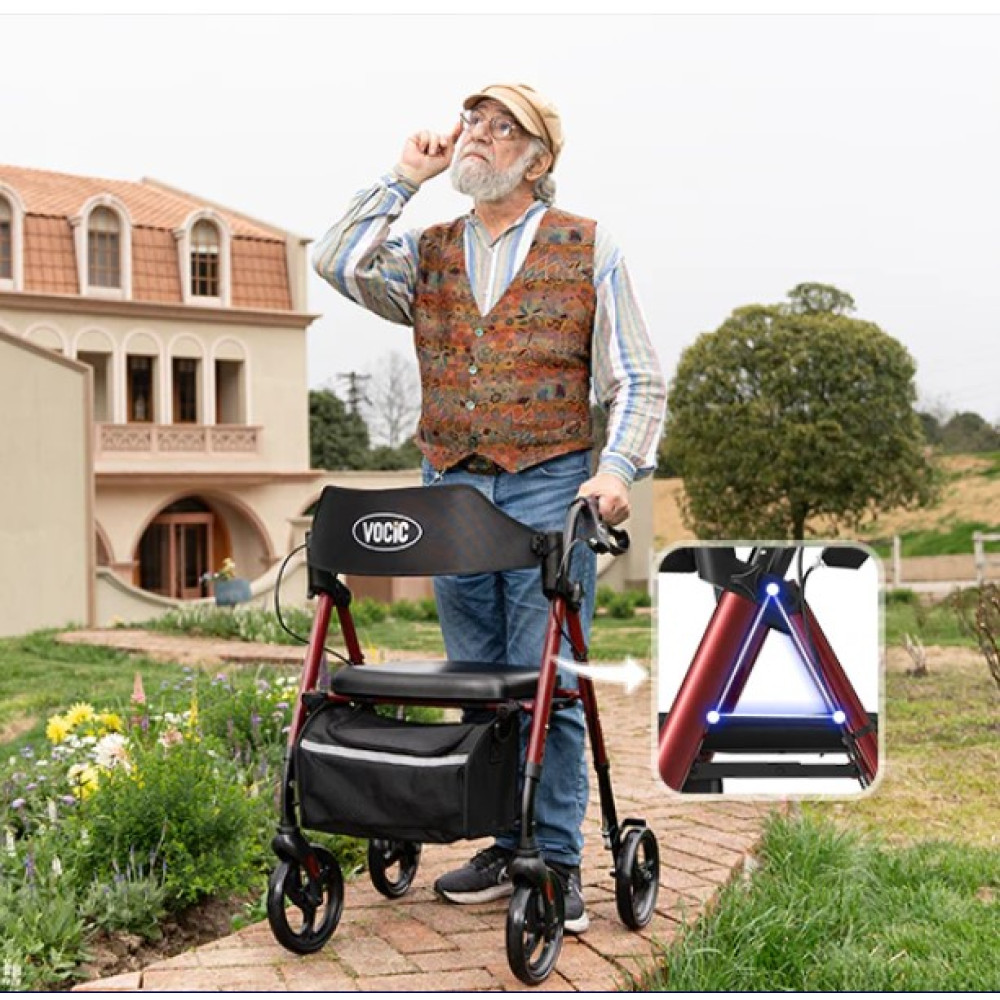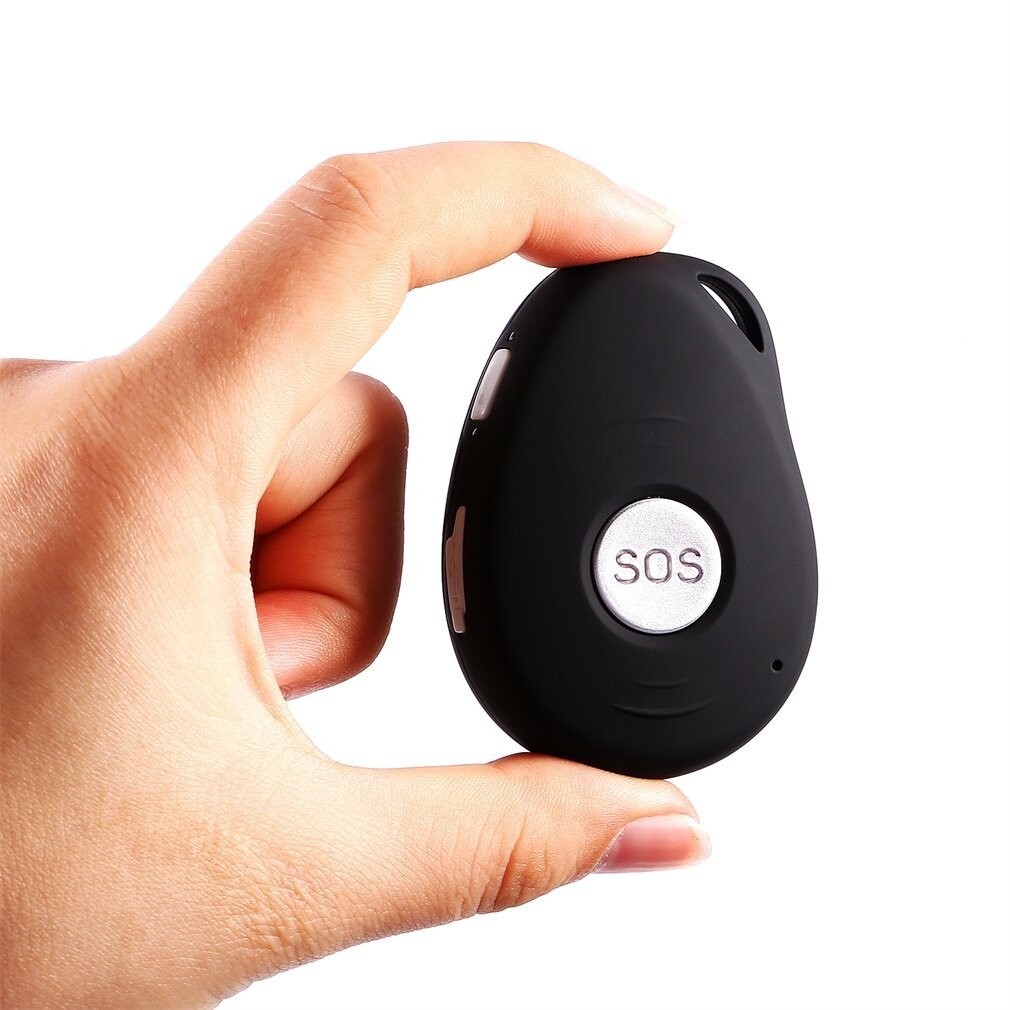
In my practice in New York, I often talk to families who are caught in a difficult position: they want their elderly parents to stay active and independent, but they worry about them getting lost or having an emergency while out on a walk. This is where GPS-enabled smartwatches become a literal lifesaver.
GPS technology has moved beyond just “maps.” Today’s watches offer Geofencing (alerts if a senior leaves a safe zone), real-time location sharing, and emergency SOS features that send precise coordinates to family members and 911.
As a Physical Therapist, I’ve evaluated these watches based on GPS accuracy, battery life, and ease of use for seniors. Here are my top 5 picks to help you “Age at Ease.”
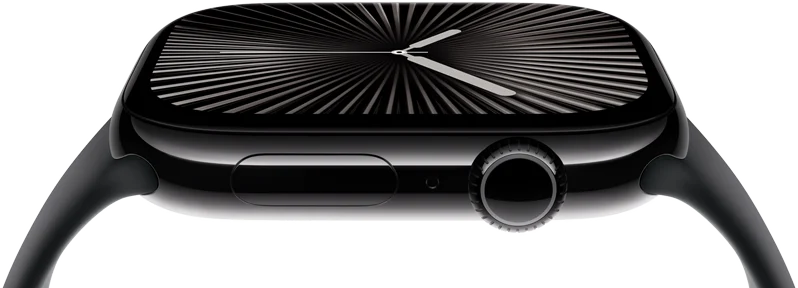
1. The Best for Overall Safety: Apple Watch Series 10 (Cellular)
While we’ve discussed Apple Watch for falls, the Cellular version is the king of GPS tracking because it works without being near a phone.
-
Why I Recommend It: Its GPS is incredibly precise, even in “urban canyons” like Manhattan. Through the “Find My” app, family members can see the senior’s real-time location. The “Check In” feature can automatically notify family when the senior arrives at their destination (like the grocery store).
-
Pros: World-class fall detection, heart health monitoring, seamless integration with iPhone.
-
Cons: Battery needs daily charging; requires a monthly cellular plan for the watch.
-
Best For: Tech-savvy seniors who want the most advanced safety and health features available.
2. Best for Dementia & Wandering: MGMove (by Medical Guardian)
Unlike consumer watches, the MGMove is a dedicated medical alert smartwatch designed specifically for senior safety.
-
Why I Recommend It: It features a simplified “Support Circle” app. Family members can log into a portal and see the senior’s location at any time. It also allows for “Geofencing”—if the wearer wanders outside of a pre-set area, the family gets an immediate alert.
-
Pros: Large SOS button on the side, very loud speaker for clear communication with dispatchers, simple “icon-based” interface.
-
Cons: Requires a monthly monitoring subscription.
-
Best For: Seniors with early-stage memory loss or those who live alone and need a direct link to a monitoring center.
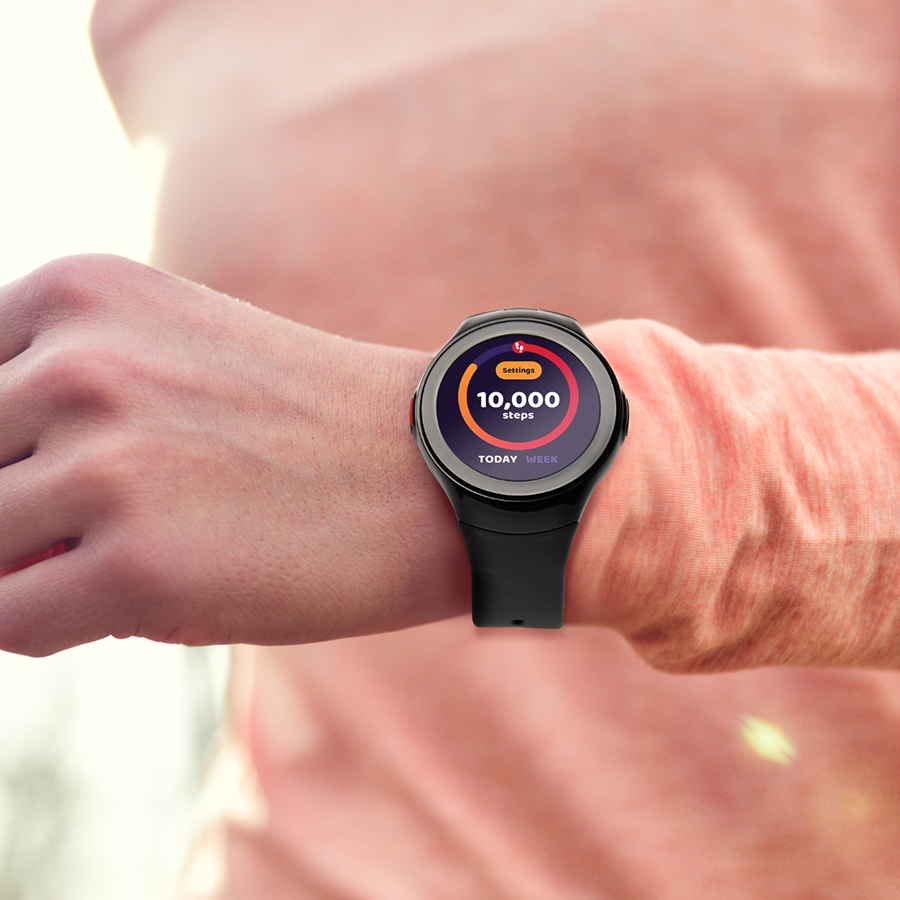
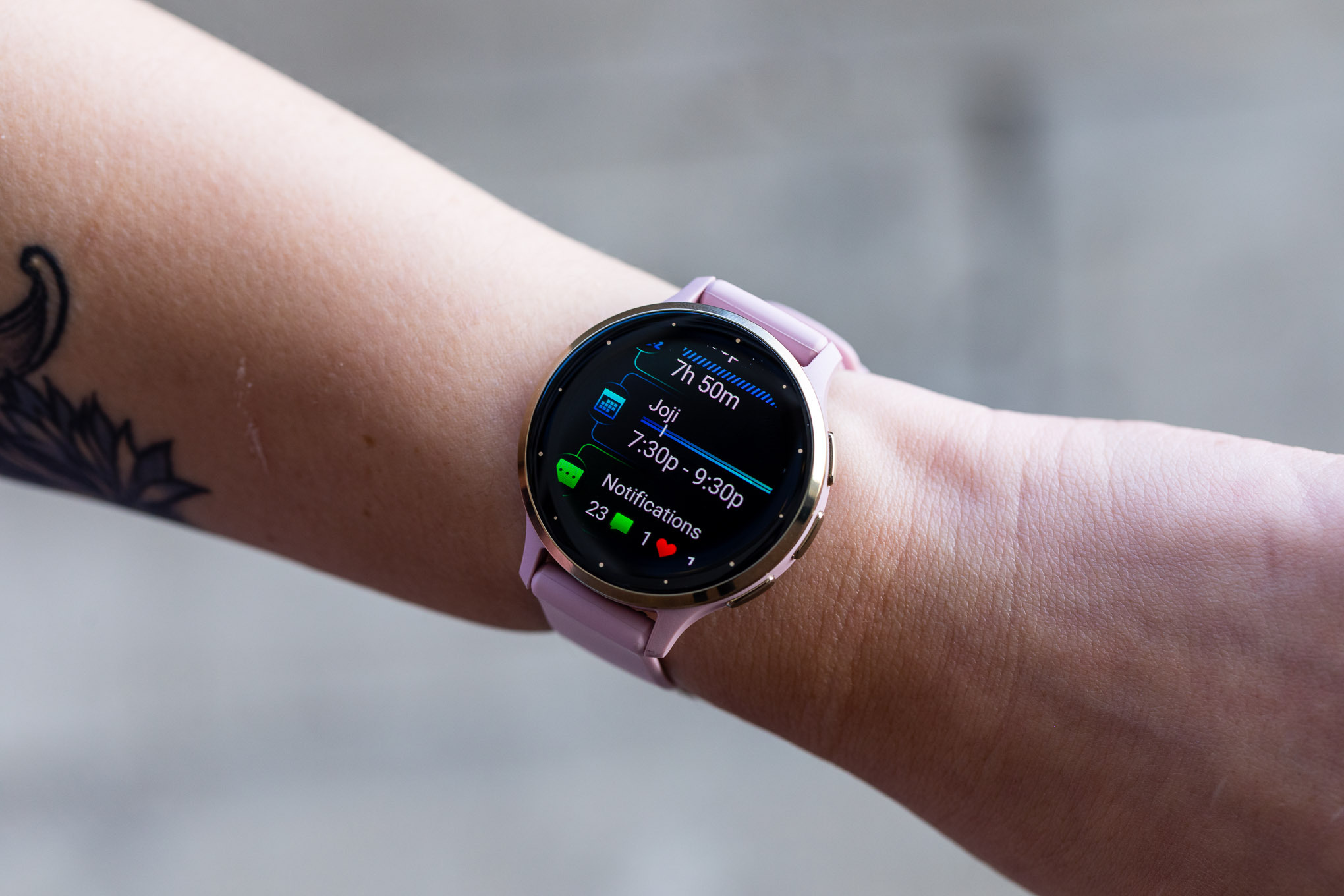
3. Best Battery Life: Garmin Venu 3S
Garmin is the leader in GPS for athletes, but the Venu 3S has become a favorite for seniors because of its incredible battery and health insights.
-
Why I Recommend It: Most GPS watches die in a day; this one lasts up to 10 days. It features “LiveTrack,” which allows family to follow the senior’s path in real-time during a walk. It also tracks “Body Battery,” which tells the user when they are too tired to exercise safely.
-
Pros: Stunning OLED display, very accurate heart rate sensor, no monthly fees for GPS features.
-
Cons: The app interface is more “data-heavy” and can be overwhelming for some.
-
Best For: Active seniors who go on long walks/hikes and hate charging their watch every night.
4. Best Simple Interface: Samsung Galaxy Watch 6 (LTE)
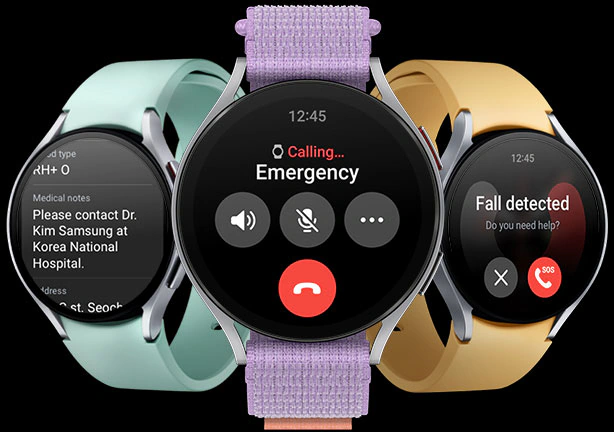
For those who prefer Android, the Galaxy Watch offers an intuitive “Rotating Bezel” (on Classic models) that makes navigation easy for arthritic fingers.
-
Why I Recommend It: Its “Location Sharing” is deeply integrated with Google Maps. It also features a “Hard Fall Detection” that can automatically call a designated emergency contact and send a link to the senior’s location on a map.
-
Pros: Very comfortable fit, excellent sleep tracking, “Always-On” display that is easy to read.
-
Cons: Best features are locked to Samsung phone users.
-
Best For: Android users who want a stylish watch with reliable emergency location sharing.
5. Best “Easy-Read” Option: Lively Smartwatch
Lively (formerly GreatCall) is famous for making technology accessible for seniors, and their smartwatch is no exception.
-
Why I Recommend It: The screen features extra-large, high-contrast text. It doesn’t have “apps” in the traditional sense; instead, it focuses on a 24/7 Urgent Response button. When pressed, a dispatcher uses the watch’s GPS to find exactly where the wearer is.
-
Pros: Very affordable upfront cost, no-contract monitoring, step counter and heart rate monitor included.
-
Cons: Design is a bit bulkier than Apple or Garmin.
-
Best For: Seniors who want the simplest possible device with 24/7 human support.
Joshua’s PT Safety Tips for GPS Watches:
-
The “Charging Station” Placement: As a therapist, I recommend placing the watch charger on the nightstand right next to where the senior puts their glasses. If it’s not in their field of vision, they will forget to wear it, and the GPS becomes useless.
-
Test the “Dead Zones”: If your loved one walks in a specific park or mall, do a test walk together. Ensure the GPS signal doesn’t drop out in “dead zones” like underground passages or thick woods.
-
The “Privacy Conversation”: Some seniors feel that GPS is an “invasion of privacy.” I suggest framing it as a “Digital Safety Belt”—something you wear not because you are lost, but to ensure help can find you if you ever feel dizzy or unwell.
Stay Connected. Stay Safe. Age at Ease.
Disclosure: As an Amazon Associate, I earn from qualifying purchases. This helps support our mission to provide expert safety advice to seniors and their families.
Read too: Apple Watch vs. Specialized Medical Alert Buttons: Which Is Safer for Seniors?