In my practice in New York, I often encounter seniors who are “subscription-weary.” They want the safety of a medical alert system but are tired of the $500-a-year price tag that comes with traditional monitoring.
However, as a Physical Therapist, I have one non-negotiable rule: if you’re at risk of falling, your device must have automatic fall detection. Why? Because if you fall and lose consciousness, you can’t push a button.
“No monthly fee” systems work by dialing 911 or your family directly instead of a dispatch center. Here are my top 5 expert-vetted picks.
1. The Best Overall: SkyAngel 911FD (Fall Detection Edition)
The SkyAngel 911 series has long been the gold standard for unmonitored devices. The “FD” model is specifically upgraded with a 4G LTE cellular module and highly accurate accelerometers.
-
Why I Recommend It: It works just like a cell phone but with one button. When it detects a hard fall, it automatically dials 911. You speak directly to the emergency operator through the pendant. There are no contracts and no service fees—ever.
-
Pros: Waterproof (safe for the shower), 2-way voice communication, GPS location tracking for responders.
-
Cons: Higher upfront equipment cost; relies on local cellular signal.
-
Best For: Seniors who want direct, immediate access to 911 without a middleman.
2. Best for Families: Silent Beacon 2.0 Smart Safety Button
Silent Beacon takes a different approach. Instead of just calling 911, it allows you to program up to 7 custom contacts (family, neighbors, or emergency services).
-
Why I Recommend It: In many cases, a “fall” isn’t a 911 emergency—it might just be a senior who needs help getting up. This device lets the user alert their family first. If the fall is severe and no one answers, it can be set to dial 911 as a backup.
-
Pros: No recurring fees, GPS location sharing via a free app, lightweight and discreet.
-
Cons: Requires being paired with a smartphone via Bluetooth to work.
-
Best For: Active seniors who always carry their smartphone and want to stay connected to family.
3. Best for Home Use: LogicMark Guardian Alert 911 Plus
LogicMark has been a leader in the “no-fee” space for decades. The Plus model is their most robust mobile version to date.
-
Why I Recommend It: It features a dedicated “Fall Detection” toggle. It’s incredibly simple to use: one blue button for a battery check and one red button for help. It uses the 4G network to provide coverage both inside the home and in the yard.
-
Pros: Extremely loud speakerphone, simple interface (great for those with mild cognitive decline).
-
Cons: The device is slightly bulkier than a standard pendant.
-
Best For: Seniors who spend most of their time at home but want protection while gardening or fetching the mail.
4. Best “Smart” Alternative: Apple Watch SE 2 (with Fall Detection)
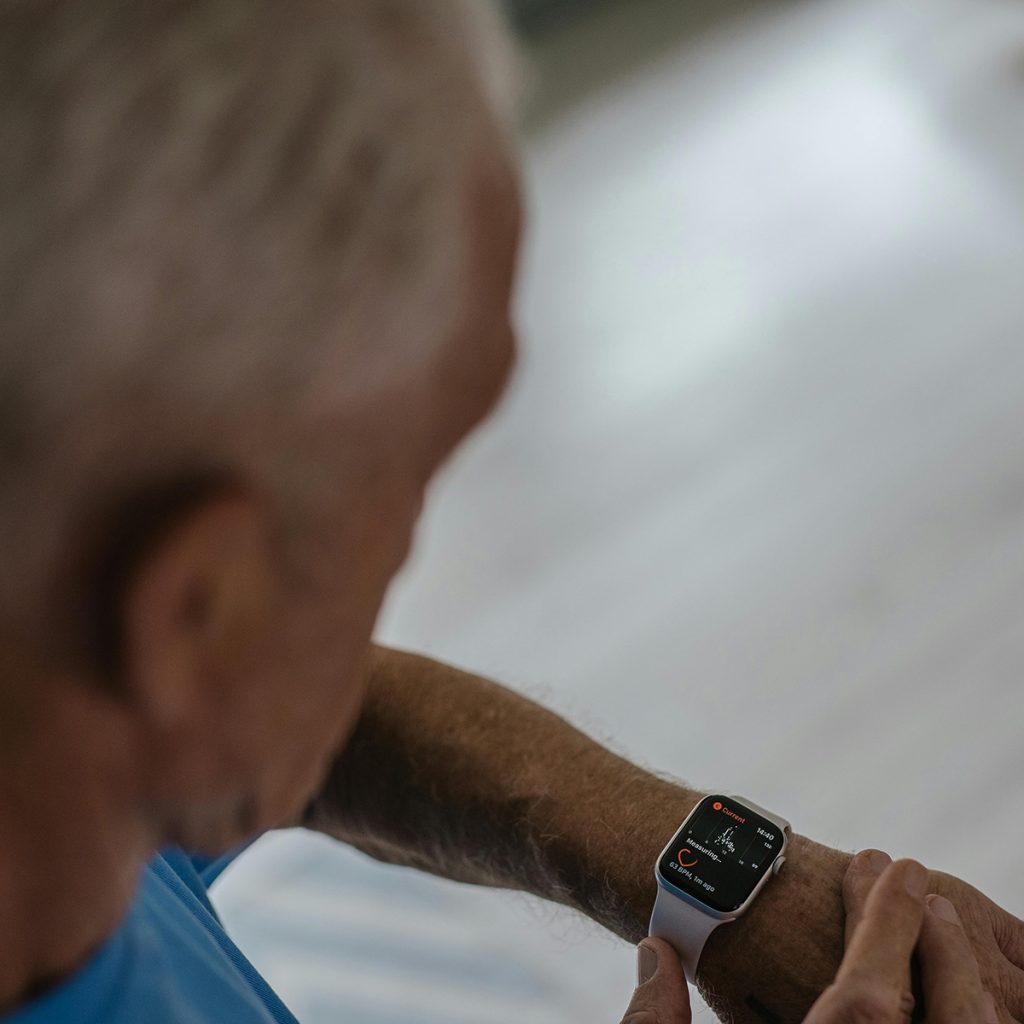
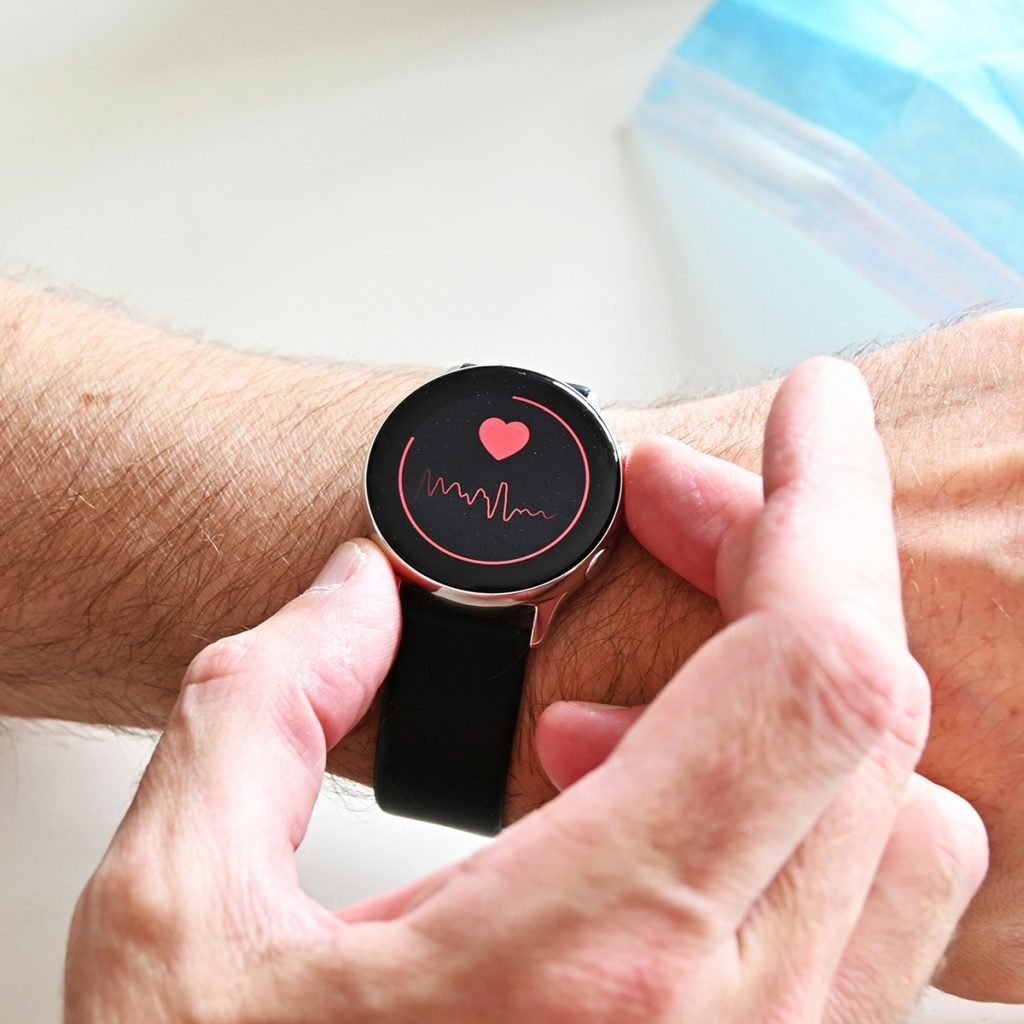
While not a traditional “medical alert,” the Apple Watch has become a legitimate medical tool that I recommend to many of my higher-functioning patients.
-
Why I Recommend It: Apple’s fall detection algorithm is one of the most rigorously tested in the world. If it detects a hard fall, it taps you on the wrist, sounds an alarm, and then calls emergency services if you are immobile for 60 seconds.
-
Pros: No monthly medical fee (though it requires a cellular plan), monitors heart rate, very stylish.
-
Cons: Requires daily charging; might be too complex for some users.
-
Best For: Tech-savvy seniors who want health tracking and safety in one device.
5. Best Budget Option: Home & Wellness Co. Senior Safety System
For those looking for a simple, cost-effective solution that stays within the home, this system uses your existing landline or VOIP setup.
-
Why I Recommend It: It includes a base station and a waterproof pendant with fall detection. When triggered, it calls up to 3 pre-programmed numbers (like your children or a neighbor). It plays a recorded message stating that you have an emergency.
-
Pros: Very affordable, no cellular signal needed, 100% private.
-
Cons: Only works within range of the base station (approx. 300–600 ft).
-
Best For: Seniors who do not have a smartphone and primarily stay indoors.
Joshua’s PT Advice: The “False Alarm” Reality
One thing I tell all my patients: Fall detection is not 100% perfect. * False Alarms: If you drop your device or sit down very hard, it might trigger. Don’t panic! Simply tell the operator (or your family) that you are okay.
-
Slow Falls: Sometimes, if a senior “slides” down a wall slowly, the device may not register the “thud.” Always try to press the button manually if you are able.
Safety is a Choice. Aging at Ease.
Review: Medical Guardian — Features, Pricing, and My PT Take
Disclosure: As an Amazon Associate, I earn from qualifying purchases. This helps support our mission to provide expert safety advice to seniors and their families.