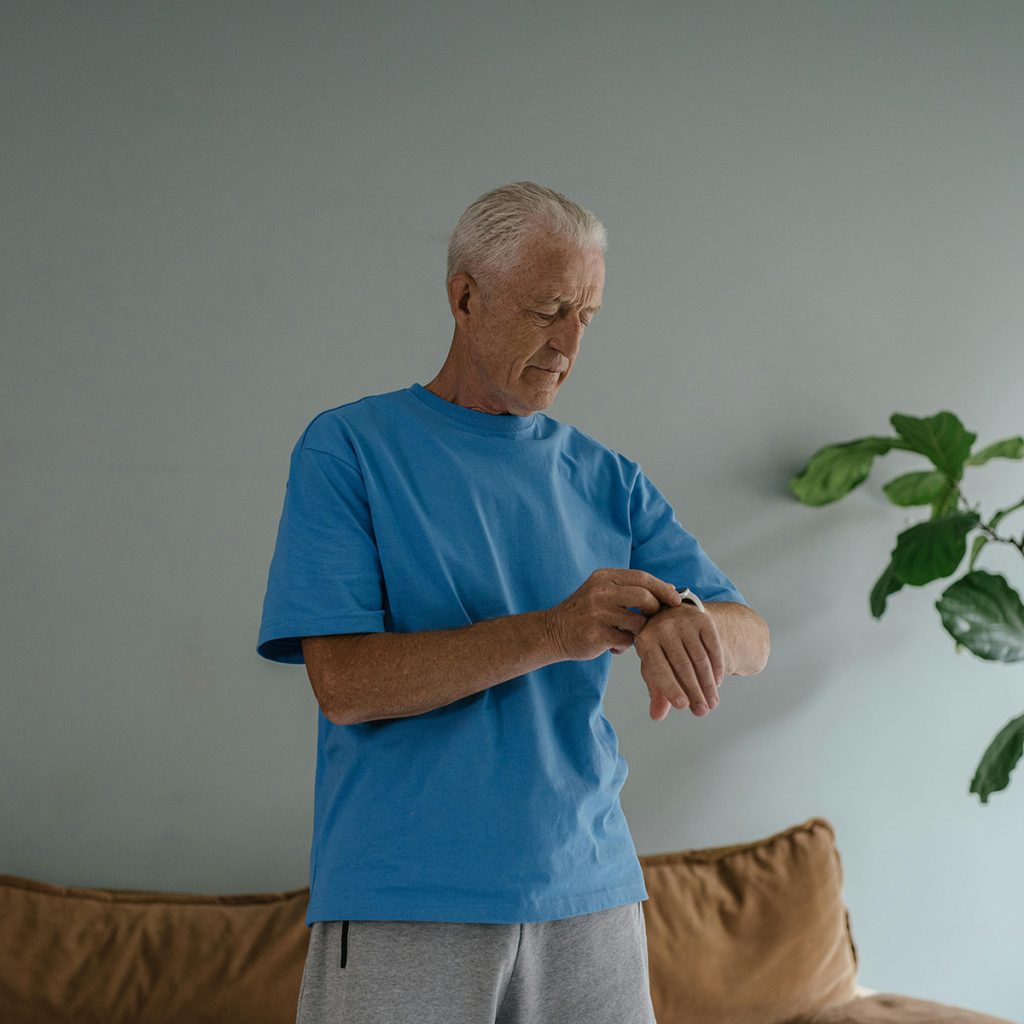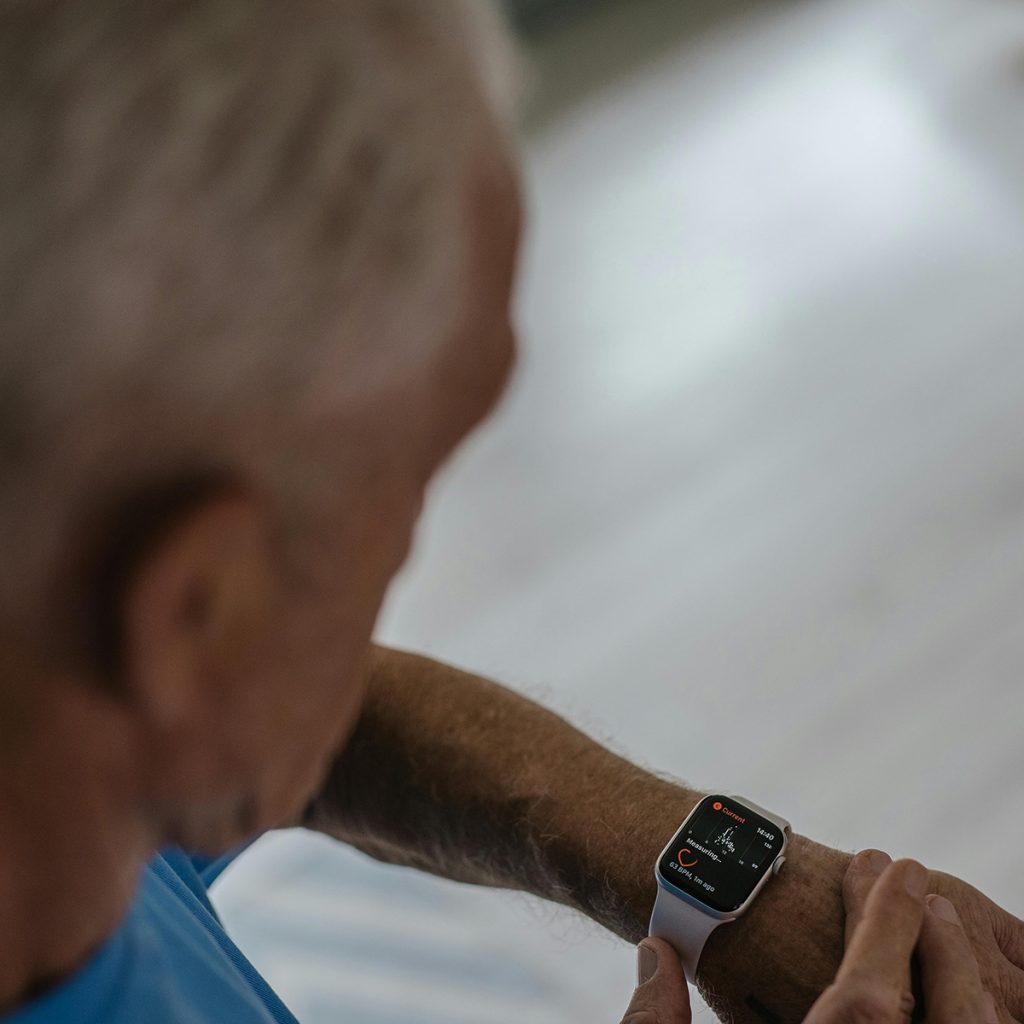
In my New York clinic, the biggest barrier to “Active Aging” is often fear. I see patients who stop going for their morning walks or visiting the Botanical Garden because they worry: “What if I fall and can’t reach my phone?” Traditional medical alerts worked only inside the house, but, mobile technology has shattered those walls.
Mobile Medical Alerts (mPERS) use cellular GPS technology to ensure that help can find you anywhere—whether you’re on a subway platform or a hiking trail. As a Physical Therapist at Aging At Ease, I believe these devices are the ultimate “independence pass.”
I’ve evaluated these mobile systems based on GPS accuracy, battery life, and “wearability.” Here are my top 5 picks.
1. The Best for Reliability: Medical Guardian MGMove
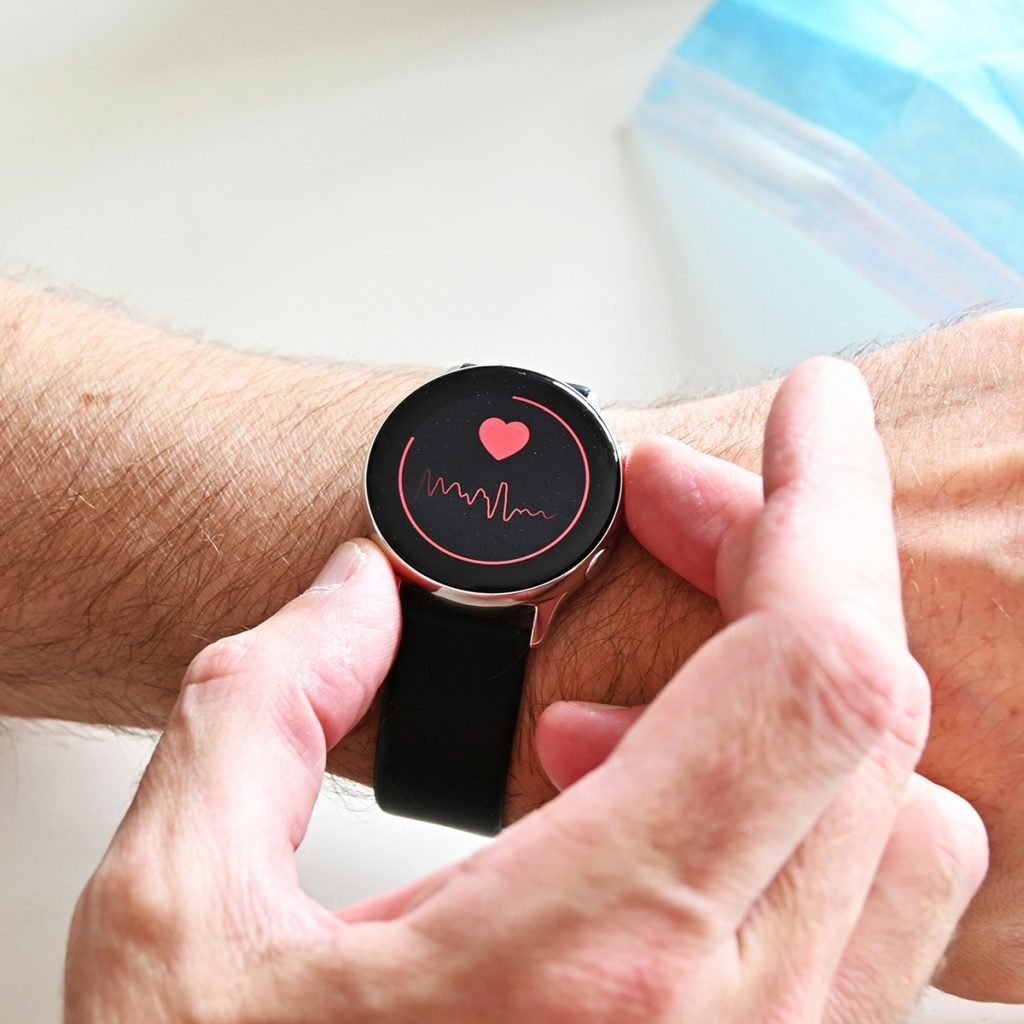
This is a smartwatch-style device that looks like a high-end fitness tracker but functions as a powerful life-saving tool.
-
Why I Recommend It: It uses 4G LTE tracking and a simplified interface. It doesn’t just have an SOS button; it also allows for “social circles” where family can send messages or reminders.
-
Pros: Built-in step tracker to encourage activity; clear voice-to-voice communication; SOS button is easy to find but hard to press by accident.
-
Cons: Requires a monthly subscription; battery needs charging every 24–48 hours.
-
Best For: Seniors who want a “stealth” medical alert that looks like a regular watch.
2. Best for Automatic Safety: Bay Alarm Medical SOS Mobile
Bay Alarm is famous for its hyper-reliable fall detection algorithms, which are crucial for active users.
-
Why I Recommend It: This small pendant can be worn on a lanyard or clipped to a belt. Its “Auto Fall Detection” is world-class, sensing the difference between a real fall and just sitting down quickly.
-
Pros: Water-resistant (safe for the shower); precise GPS tracking for emergency services; very loud, clear speakerphone.
-
Cons: The pendant can feel a bit “medical” compared to a watch.
-
Best For: Active seniors with a history of balance issues or those who frequently walk in areas with uneven pavement.
3. Best for Long Battery Life: AloSafe Mobile GPS
One of the biggest complaints I hear in my clinic is: “I forgot to charge my device.” AloSafe addresses this better than most.
-
Why I Recommend It: In 2026, AloSafe has optimized its battery to last up to 5 days on a single charge. It uses a “Triangulation” method (GPS, WiFi, and Cellular) to find your location even inside deep “urban canyons” like Manhattan.
-
Pros: Industry-leading battery life; small and lightweight; includes a sleek charging cradle.
-
Cons: Fewer “extra” features like weather or step counting.
-
Best For: Seniors who travel frequently or those who may forget daily charging routines.
4. Best for Direct Support: Lively Mobile Plus
Lively (formerly GreatCall) connects you to “5-Star Agents” who can do more than just call 911.
-
Why I Recommend It: If you’re out and feel dizzy or just “not right,” you can press the button to speak with a nurse or doctor via their “Urgent Care” service. It’s like having a medical professional in your pocket.
-
Pros: Access to registered nurses 24/7; no long-term contracts; very affordable hardware.
-
Cons: Response times can vary based on cellular signal strength.
-
Best For: Seniors who want medical advice on the go, not just emergency help.
5. Best “No-Wearable” Option: Apple Watch Series 10 (Cellular)
For the most tech-savvy patients I see at Aging At Ease, the Apple Watch remains the gold standard for integration.
-
Why I Recommend It: It has built-in fall detection that is incredibly sophisticated. If it detects a hard fall, it taps you on the wrist, sounds an alarm, and then calls emergency services with your exact coordinates if you don’t respond.
-
Pros: No “medical alert” stigma; heart rate and ECG monitoring; seamless iPhone integration.
-
Cons: Expensive; battery must be charged daily; fall detection isn’t always 100% accurate for “soft” falls.
-
Best For: Apple enthusiasts who are already comfortable with smart technology.
Joshua’s PT Advice for Mobile Alerts:
-
The “Shower Test”: Most falls happen in the bathroom. Ensure your mobile device is IP67 rated (waterproof). Even if it’s a “mobile” device for the outdoors, you should wear it in the shower too.
-
The “Belt vs. Neck” Choice: As a therapist, I recommend belt clips for those with neck pain or those who use [Folding Walking Canes]. A heavy pendant can swing and throw off your balance when you lean forward.
-
Signal Check: Before you commit to a service, check which cellular network they use (Verizon, AT&T, etc.). Make sure that carrier has a strong signal in your specific neighborhood and the parks where you walk.
Stay Active. Stay Connected. Aging at Ease.
Disclosure: As an Amazon Associate, I earn from qualifying purchases. This helps support our mission at Aging At Ease to provide expert safety advice to seniors and their families.
Read too: Review: 5 Best Smartwatches for Seniors with GPS Tracking