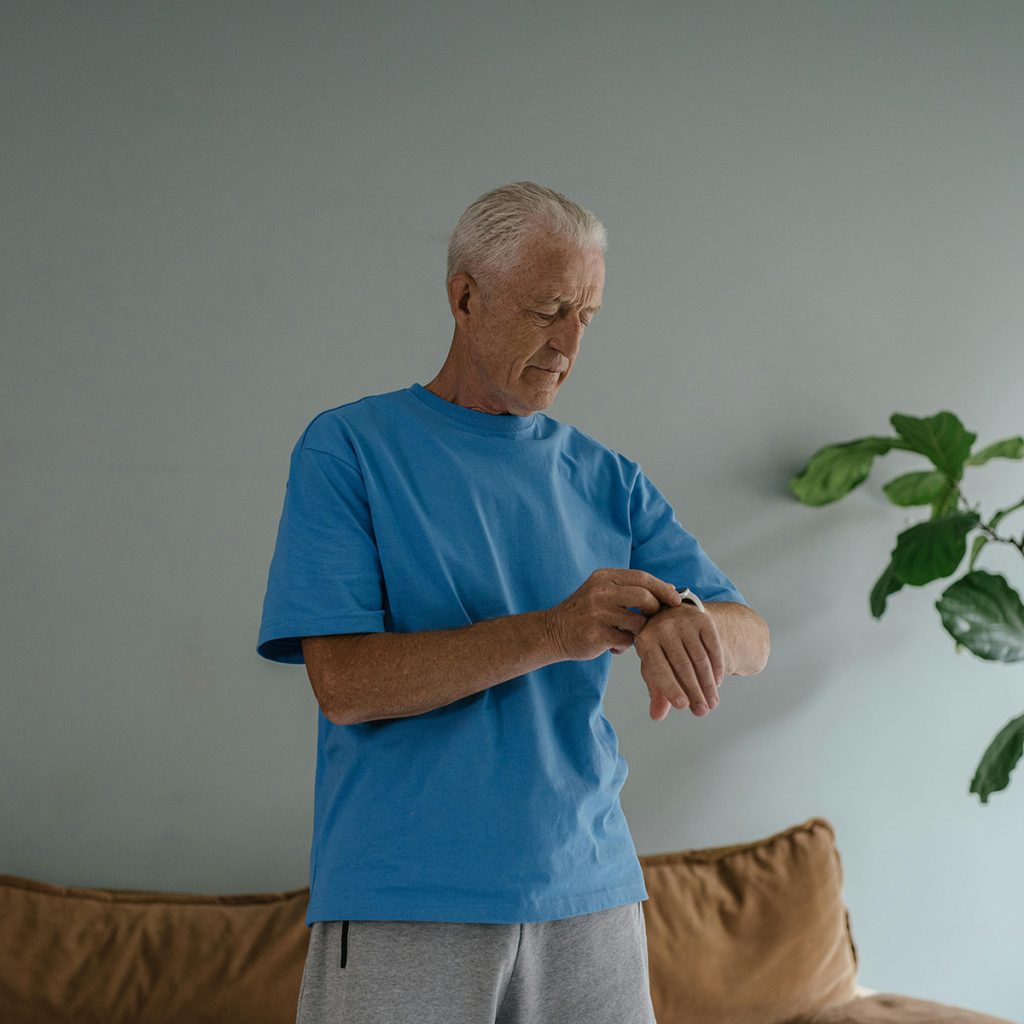

In my physical therapy clinic in New York, I see a fascinating trend. Half of my patients wouldn’t be caught dead wearing a traditional medical alert “pendant” because it makes them feel “old.” The other half find smartphones and smartwatches so frustrating they’d rather have no technology at all.
With Apple’s latest updates to Fall Detection and the rise of AI-integrated medical buttons, the line between “consumer tech” and “medical device” has blurred. But as a professional who deals with post-fall recovery every day, I can tell you: The “coolest” device isn’t always the safest one.
Here is my honest clinical breakdown of how the Apple Watch stacks up against specialized medical alert systems like Life Alert or Bay Alarm Medical.
1. Apple Watch (Series 10 / Ultra 3)
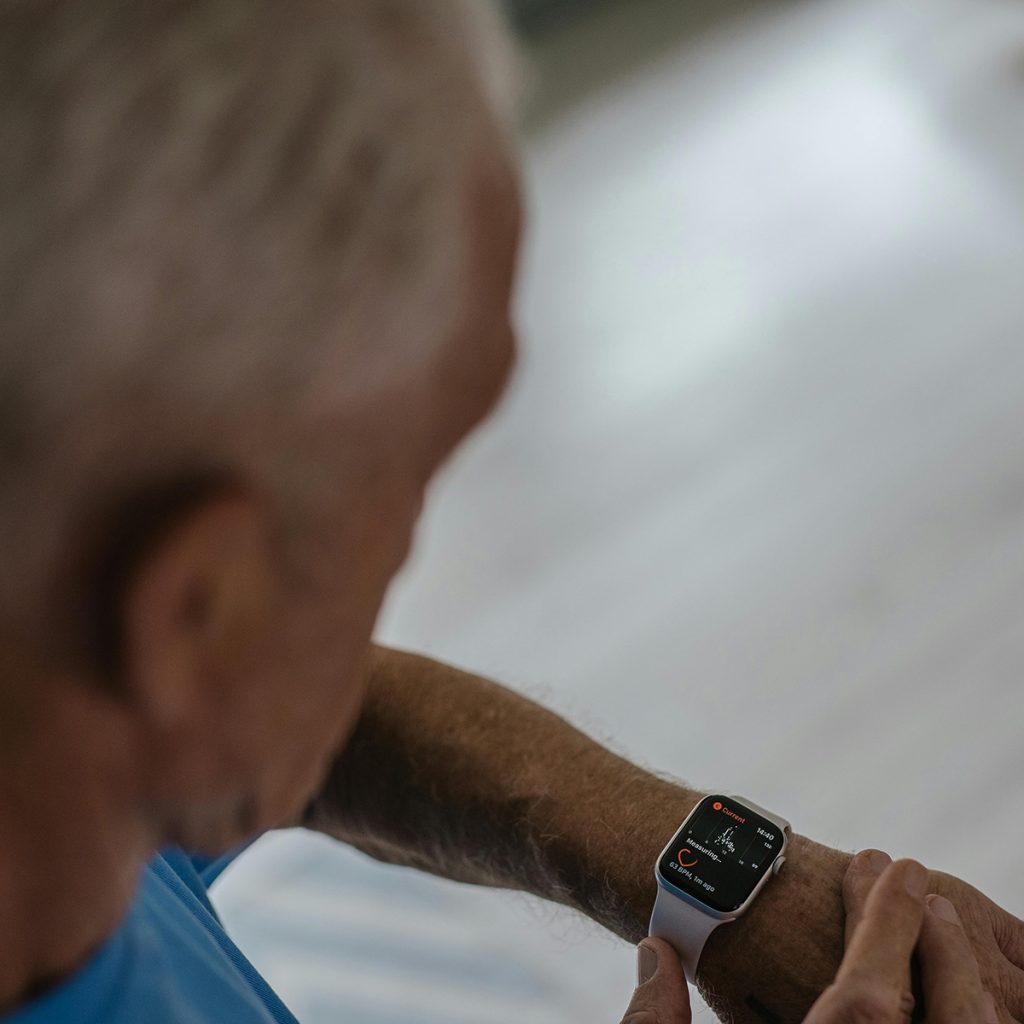
The Apple Watch is no longer just a gadget; it’s a sophisticated health monitor. Its fall detection algorithms have reached a 95% accuracy rate for “hard falls.”
-
The Pros:
-
No Stigma: It looks like a high-end watch, not a medical device.
-
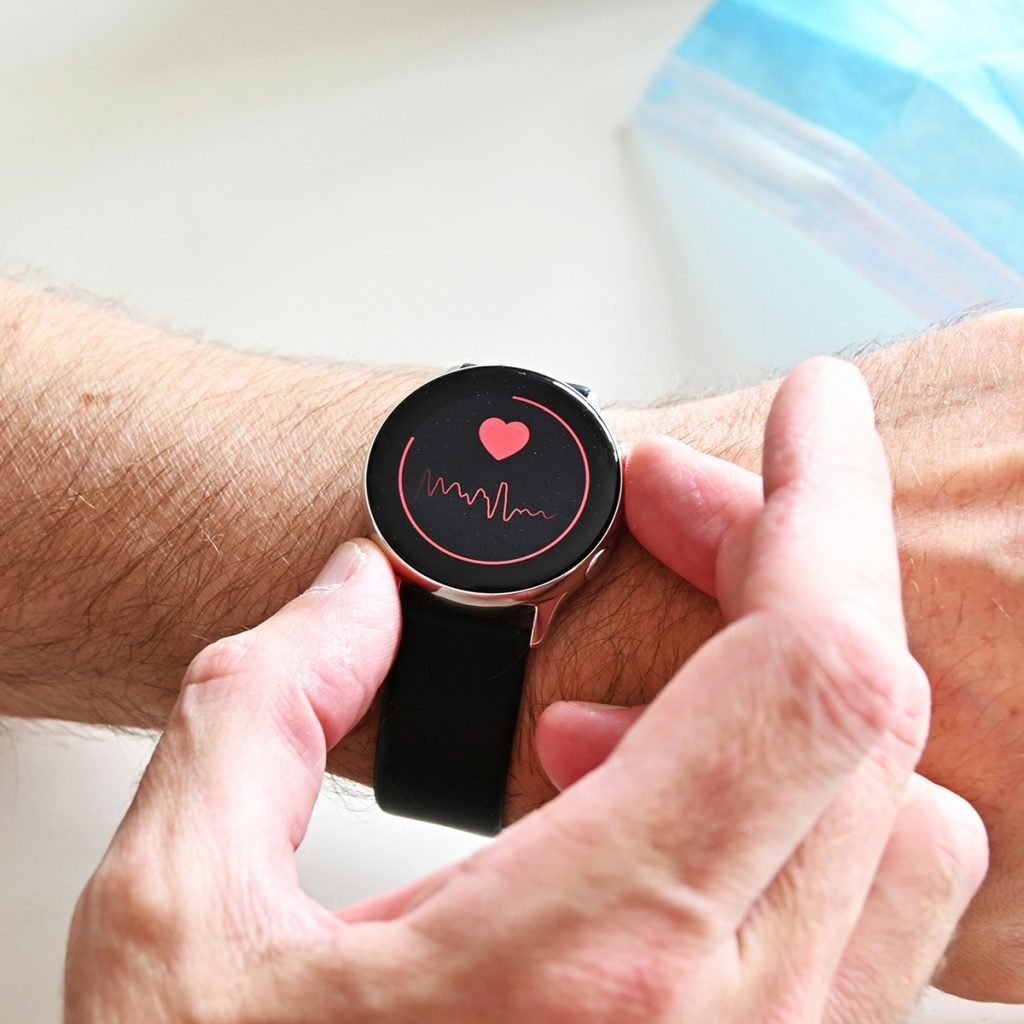
Health Suite: Monitors heart rate, ECG, blood oxygen, and even sleep apnea.
-
Automatic SOS: If it detects a fall and you don’t move for 60 seconds, it automatically calls emergency services and texts your family with your GPS coordinates.
-
-
The Cons:
-
Battery Life: This is the biggest “PT concern.” A dead watch is a useless watch. If a senior forgets to charge it every night, they are unprotected.
-
Complexity: Navigating touchscreens can be difficult for those with tremors or severe arthritis.
-
-
Best For: Active, tech-savvy seniors who want health tracking and a discreet safety net.
2. Specialized Medical Alert Buttons (The “Traditional” Way)
Devices like the Medical Guardian or Bay Alarm Medical are built for one purpose: emergencies.
-
The Pros:
-
Simplicity: There is one big button. No menus, no apps, no confusion.
-
24/7 Monitoring Center: When you press the button, you don’t just call 911; you reach a trained dispatcher who has your medical history, your lockbox code, and your family’s contact info.
-
Battery Longevity: Many pendants have batteries that last months or even years.
-
-
The Cons:
-
The “Old” Factor: Many seniors feel embarrassed wearing a pendant.
-
Monthly Fees: Unlike the Apple Watch (after purchase), these require a $30–$60 monthly subscription.
-
-
Best For: Seniors with mild cognitive decline, those who live alone, or anyone who wants a “guaranteed” human connection in an emergency.
Comparison at a Glance
| Feature | Apple Watch | Specialized Medical Button |
| Ease of Use | Moderate (Touchscreen) | Extreme (One Button) |
| Battery Life | 18–36 Hours | Months to Years |
| Fall Detection | Built-in (Automatic) | Available (Optional Add-on) |
| Human Support | Calls 911 Directly | Trained Dispatch Center |
| Monthly Cost | $0 (after purchase) | $25 – $60 (Subscription) |
The PT Verdict: Which Should You Choose?
As a Physical Therapist, my recommendation usually follows the “Rule of Three”:
-
If you are prone to “Blackouts” or Fainting: Go with a Specialized Medical Button. Why? Because Apple Watch 911 operators don’t have your medical file or your house key code. A monitoring center does.
-
If you are Active and Exercise Regularly: The Apple Watch is fantastic. It tracks your steps, monitors your heart, and provides “passive” protection while you’re out for a walk or at the gym.
-
If you have Arthritis: Traditional buttons are much easier to press than small digital icons on a watch face.
Joshua’s Pro-Tip: The “Hybrid” Approach
Many of my patients now use an Apple Watch for daily activity but keep a stationary medical button in the shower (the highest-risk area). Since the watch has to be taken off to charge, having a waterproof button wall-mounted in the bathroom ensures you are never 100% unprotected.
Choose the Tool That Fits Your Life. Aging at Ease.
Disclosure: As an Amazon Associate, I earn from qualifying purchases. This helps support our mission to provide expert safety advice to seniors and their families.
Read too: 5 Best Medical Alert Systems with Fall Detection (No Monthly Fee)