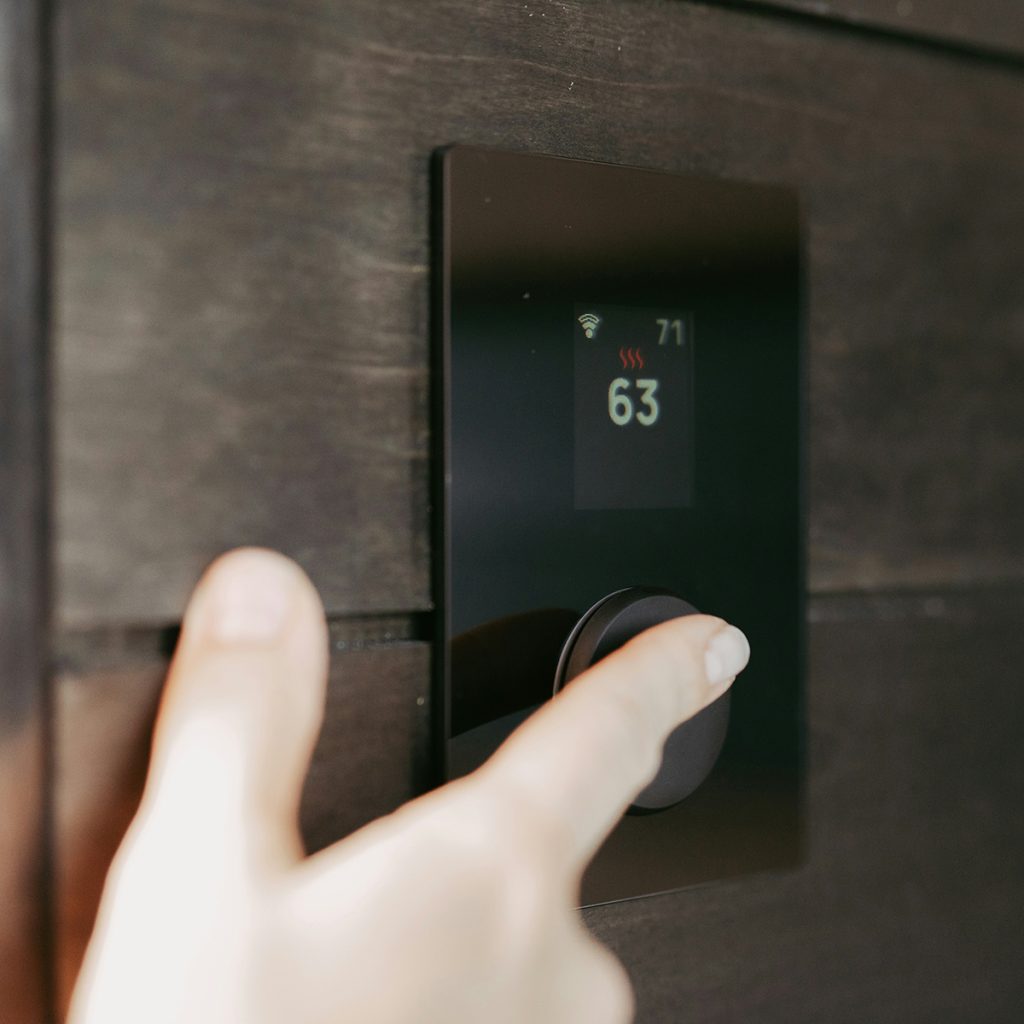
In my New York clinic, I focus on “Home Ergonomics.” We often forget that standing up multiple times a day to adjust a thermostat can be a fall risk for someone with [Vertigo] or limited mobility. Moreover, old-fashioned thermostats with tiny buttons and hard-to-read LCD screens are a nightmare for those with vision impairments or arthritis.
A modern smart thermostat allows you to control the heat from your bed via a smartphone or simply by using your voice. These devices have become more intuitive, featuring larger fonts, high-contrast displays, and AI that “learns” your habits to prevent the house from getting too cold at night.
As a Physical Therapist at Aging At Ease, I’ve selected these 5 models based on visibility, ease of setup, and voice-command compatibility.
1. The Visibility Champion: Honeywell Home Smart Color Thermostat
If you struggle with small text, this is the gold standard for clarity.
-
Why I Recommend It: It features a massive, full-color touchscreen that can be customized for maximum contrast (e.g., bright white text on a black background). You can see the temperature from across the room without squinting.
-
Pros: Shows indoor/outdoor humidity and local weather; the “on-screen” buttons are large and responsive to arthritic fingers; works with Alexa and Google Assistant.
-
Cons: Design is more “functional” than “sleek.”
-
Best For: Seniors with low vision or those who prefer a traditional, non-minimalist interface.
2. Best for Voice Control: Ecobee Smart Thermostat Premium
For patients with significant mobility issues, the best thermostat is one you never have to touch.
-
Why I Recommend It: The Ecobee Premium has Alexa built-in directly. You don’t even need a separate smart speaker; you can just speak to the wall: “Alexa, make it 72 degrees.” It also includes an air quality monitor, which is vital for seniors with respiratory issues.
-
Pros: Includes a remote “SmartSensor” to ensure your bedroom is the right temp, not just the hallway; premium glass finish; built-in speaker for music or news.
-
Cons: More expensive than basic models.
-
Best For: Seniors who rely on voice commands and want to monitor air quality.
3. The “Set It and Forget It” Choice: Google Nest Learning Thermostat (4th Gen)
If you find programming a schedule confusing, let the device do it for you.
-
Why I Recommend It: The 4th Gen Nest uses AI to learn your routine. After a week of manual adjustments, it knows you like it warmer at 7 AM when you wake up and cooler at 10 PM. The “Farsight” feature lights up the display as you walk into the room, showing the time and temperature in large, clear font.
-
Pros: Beautiful, intuitive rotating ring (easier than tapping for some); energy-saving “Leaf” mode; tool-free installation for most homes.
-
Cons: No physical buttons; the rotating ring requires a steady grip.
-
Best For: Seniors who want a “smart” home that manages itself.
4. Best Budget Tech: Amazon Smart Thermostat
You don’t need to spend $250 to get a safer, more comfortable home.
-
Why I Recommend It: This is a simple, no-frills device developed with Honeywell technology. It’s incredibly easy to use through the Alexa app. If your mom says she’s cold, you can even adjust the temperature for her from your own phone across town.
-
Pros: Very affordable; clean, white design; works seamlessly with Alexa-enabled devices.
-
Cons: No touchscreen (it uses simple “up/down” touch segments).
-
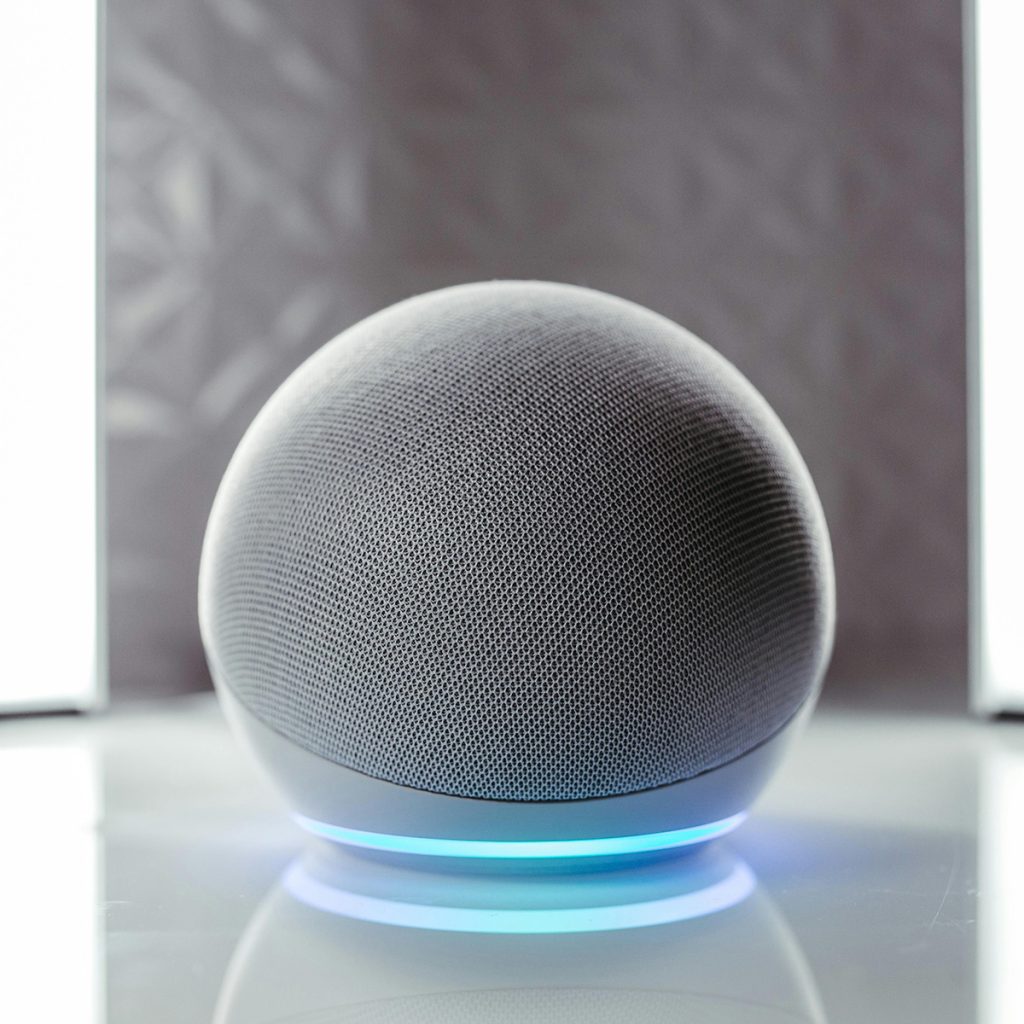
Best For: Seniors who already use an Echo Dot and want an easy, low-cost upgrade.
5. Best for Multi-Room Comfort: Honeywell Home T9 with Sensors
Many NYC apartments have “cold spots” that are far from the main thermostat.
-
Why I Recommend It: The T9 focuses on “Room Prioritization.” You can place a small sensor in the bedroom and tell the thermostat: “Focus on the bedroom from 9 PM to 7 AM.” This prevents the common problem of a warm living room but a freezing bedroom.
-
Pros: Long-range sensors (up to 200 ft); easy DIY installation; very stable Wi-Fi connection.
-
Cons: The interface is slightly more complex than the Nest.
-
Best For: Seniors in larger homes or apartments with uneven heating.
Joshua’s PT Safety Tips for Home Climate:
-
The “Morning Stiffness” Rule: Set your thermostat to increase the heat by 2–3 degrees about 30 minutes before you wake up. Warm air helps reduce joint stiffness (osteoarthritis) and makes it easier to start your morning exercises.
-
Remote Access for Family: Always share the app access with a trusted family member. If you are ever unwell and unable to reach the wall, your children can ensure your home stays at a safe temperature remotely.
-
Check the “C-Wire”: Most smart thermostats require a “C-wire” for power. If your home is older (common in New York!), make sure to buy a model that includes a “Power Extender Kit” or hire a professional to ensure the device doesn’t fail during a cold snap.
Stay Warm. Stay Safe. Aging at Ease.
Disclosure: As an Amazon Associate, I earn from qualifying purchases. This helps support our mission at Aging At Ease to provide expert safety advice to seniors and their families.