In my years managing home health care and trauma rehabilitation cases, I have seen medical alert systems (PERS — Personal Emergency Response Systems) save countless lives. When an older adult falls or experiences a sudden cardiac event, having a cellular pendant or wrist button to summon help within seconds is the difference between a minor medical intervention and a catastrophic, permanent loss of independence.
However, as a healthcare professional, I must warn you about a dangerous psychological trap that I call the “illusion of protection.”
Too often, adult children purchase a premium medical alert system, plug the base station into the wall, hang the button around their parent’s neck, and assume the safety net is permanently secure. They completely forget that these devices are complex pieces of electronic hardware subject to wireless signal drops, software glitches, battery degradation, and mechanical wear.
Imagine the absolute panic of a senior pushing their emergency button after a severe fall on the bathroom tile, only to meet dead silence because the backup battery failed during a thunderstorm the previous week, or the cellular module lost its network handshake.
A medical alert system is only as good as its last successful test. To ensure your lifeline is fully operational when seconds count, you must establish a strict, non-negotiable monthly testing routine. At Aging At Ease, we break down the clinical inspection framework and review the best maintenance tools on Amazon to guarantee your emergency setup is flawless.
The Crucial Sub-System Checklist: What You Are Testing
A comprehensive monthly checkup requires evaluating three distinct engineering layers of your medical alert ecosystem:
-
RF Signal Range and Structural Penetration: You must verify that the radio frequency (RF) signal transmitted by the wearable neck pendant can successfully penetrate the dense drywall, metal framing, and distance barriers of your home to reach the main base station—even from the furthest corners of your property.
-
Two-Way Voice Clarity and Audio Distortion: You must ensure that the micro-speakers and sensitive microphones inside the base station or mobile pendant are clear and loud enough for a senior to comprehend an operator’s voice while resting flat on the floor in an adjacent room.
-
Backup Battery Integrity: Power outages are common during extreme weather events. You must verify that the internal rechargeable backup batteries can hold a charge and run the system autonomously when disconnected from standard wall outlets.
Step-by-Step Monthly Testing Protocol
To prevent accidental emergency dispatching while thoroughly checking your hardware, follow this exact step-by-step sequence every 30 days:
Top Maintenance and Lifeline Safety Upgrades on Amazon
To completely eliminate technical failures and streamline your monthly testing workflow, equip your home station with these highly rated Amazon safety accessories:
1. Best for Electrical Surge Protection: Anker Premium surge Protector Power Strip
The ultimate hardware shield to protect your delicate medical base stations from getting fried by high-voltage lightning strikes or local grid power surges.
-
Why I Recommend It: Standard cheap power strips degrade over time, leaving electronics vulnerable. Anker utilizes an advanced, fire-resistant 1200-Joule surge protection matrix combined with a flat, low-profile wall plug that fits neatly behind heavy headboards or dressers.
-
The Amazon Assist: Locate the Anker Surge Protector Power Strip on Amazon to ensure your main medical alert console never experiences an unexpected electrical failure.
2. Best for High-Visibility Reminders: Quartet Magnetic Dry Erase Calendar Board
The simplest, most effective psychological tool to ensure caregivers and seniors never forget their monthly testing date.
-
Why I Recommend It: Routine tech checks are easily forgotten in busy schedules. Hanging a high-contrast visual calendar board directly above the medical alert hub creates a permanent, undeniable reminder track. Dedicate the first Saturday of every month as “Medical Alert Test Day.”
-
The Amazon Assist: Purchase the Quartet Magnetic Dry Erase Calendar Board on Amazon to log your test dates and battery replacement schedules visibly.
3. Best for Safe Emergency Entry: Master Lock Electronic Wall-Mount Key Lock Box
An absolute mandatory companion tool for any medical alert user, ensuring emergency personnel can enter the home without destroying the front door.
-
Why I Recommend It: If a senior pushes their emergency button during a severe fall and cannot get up to open the door, paramedics are forced to use a battering ram to break into the house. Storing a spare house key inside a heavy-duty, weather-resistant electronic lockbox on the porch allows the monitoring center to read the combination to 911 dispatchers, enabling immediate, damage-free entry.
-
The Amazon Assist: Search Amazon for the Master Lock Electronic Wall-Mount Key Safe for pristine entryway security.
What to Do If a Component Fails the Monthly Test
If you press your button during Step 2 and hear no response, or if your backup battery drops power instantly during Step 3, execute this contingency protocol immediately:
-
Do Not Panic, Stay Grounded: Re-seat the base station closer to a window to maximize cellular signal reception, and ensure the power cord is pushed fully into a functioning outlet.
-
Contact Customer Support Directly: Call your specific provider’s tech support helpline (printed on the underside of the base station). Inform them that the unit failed its routine monthly diagnostic test. They will analyze the signal log remotely and ship a replacement pendant or base unit via expedited mail at no extra cost under your lease agreement.
-
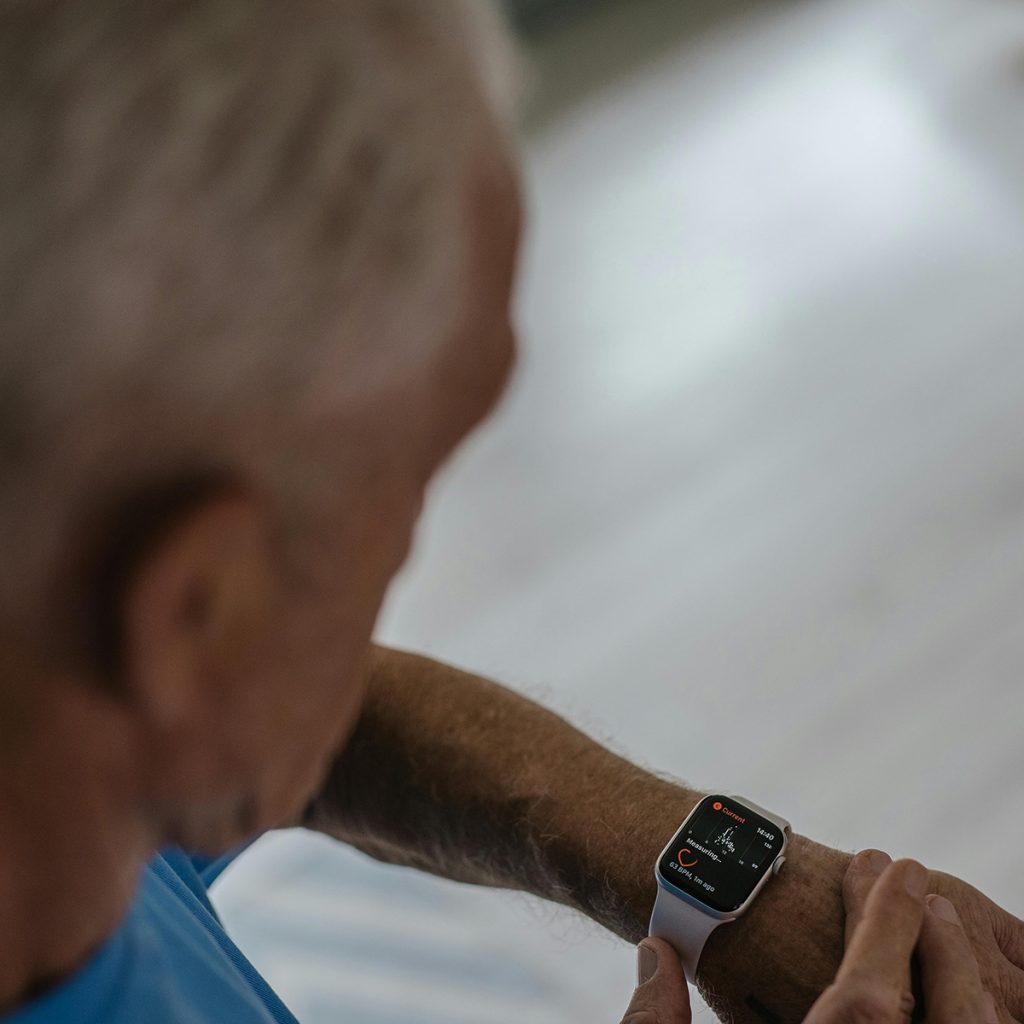
Deploy a Temporary Backup Network: While waiting for the replacement hardware to arrive, keep a fully charged Apple Watch SE Cellular Model or smartphone clipped to the senior’s belt line at all times to preserve a continuous line of communication.
The PT Verdict: A proactive safety mindset is what keeps you independent. Buying a medical alert system is a fantastic first step, but executing your monthly 4-step testing protocol ensures that the technology delivers on its promise when an emergency strikes. Mark your calendar, test your range, protect your power lines with an Anker Surge Protector, and rest with absolute confidence.
Test Monthly. Secure Your Lifeline. Aging at Ease.
Disclosure: As an Amazon Associate, I earn from qualifying purchases of premium surge protectors, high-visibility calendar boards, electronic key lockboxes, and cellular smartwatches. This helps support our independent senior assistive technology testing labs at Aging At Ease.